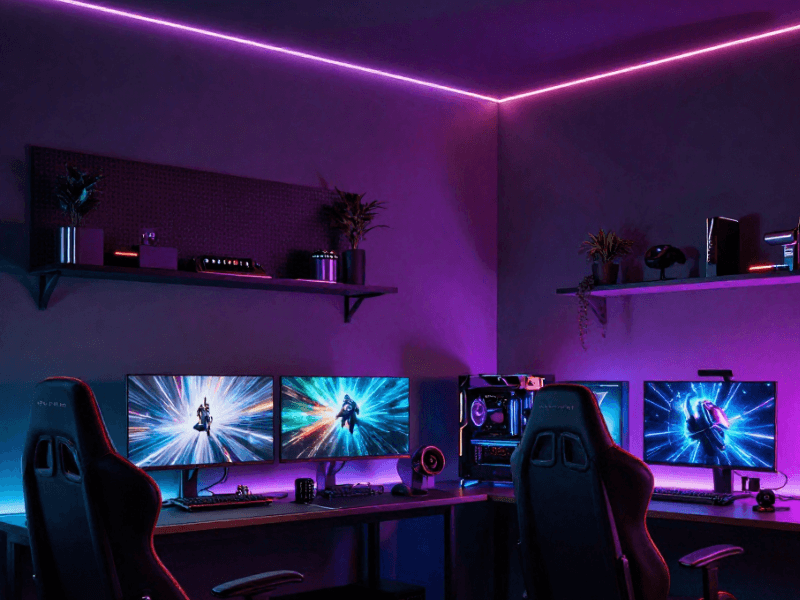
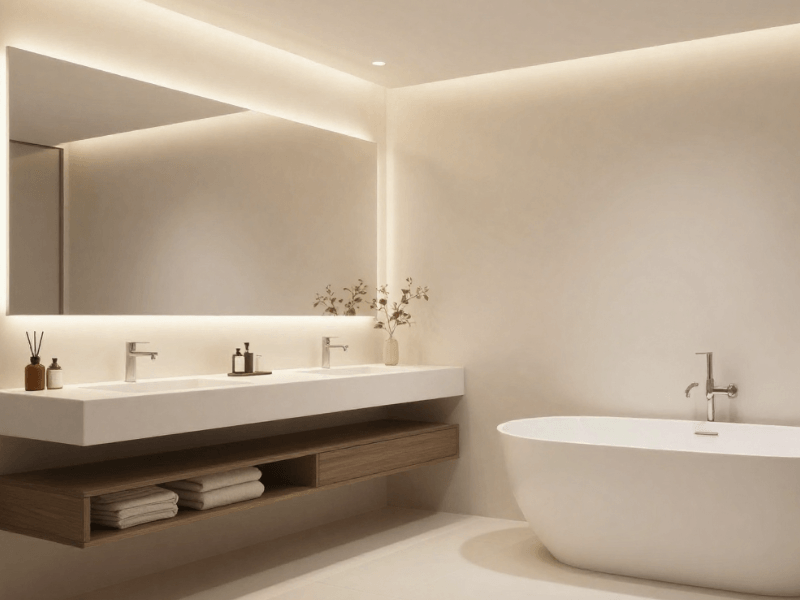
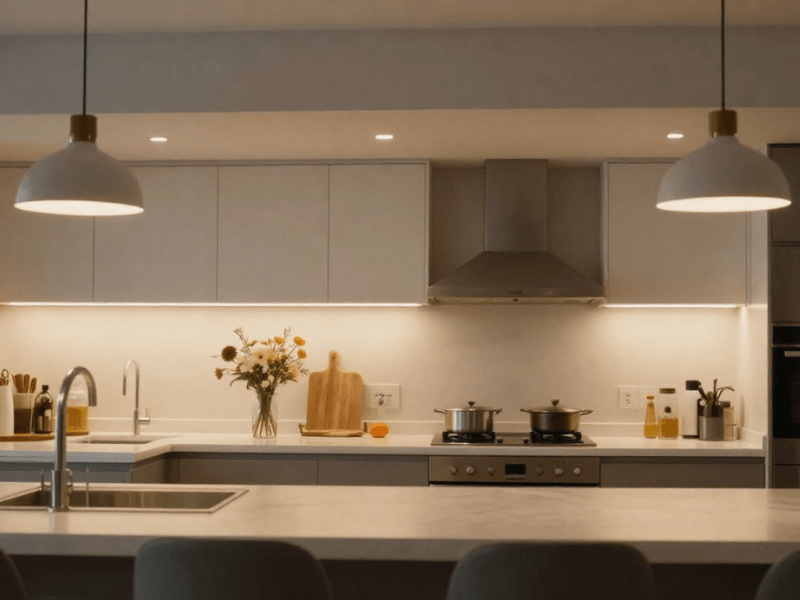
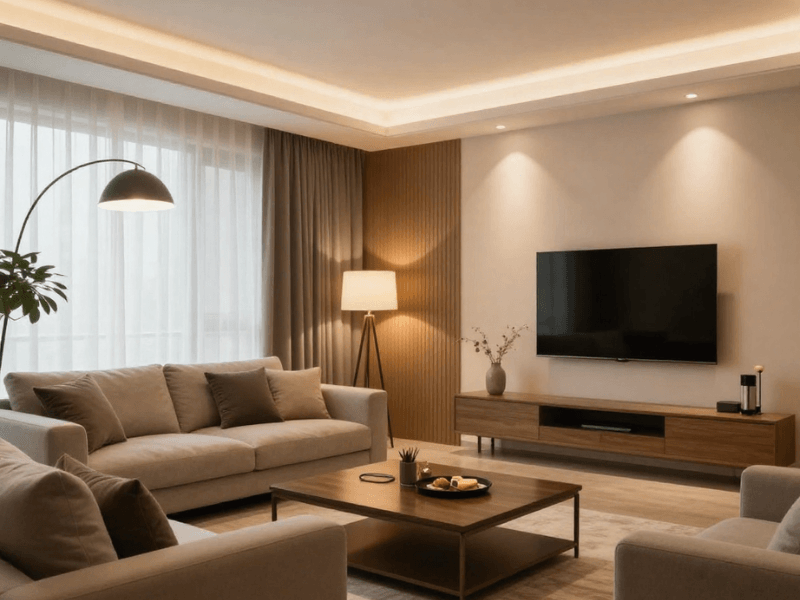






We’ve all experienced the pain of flipping light switches by hand.
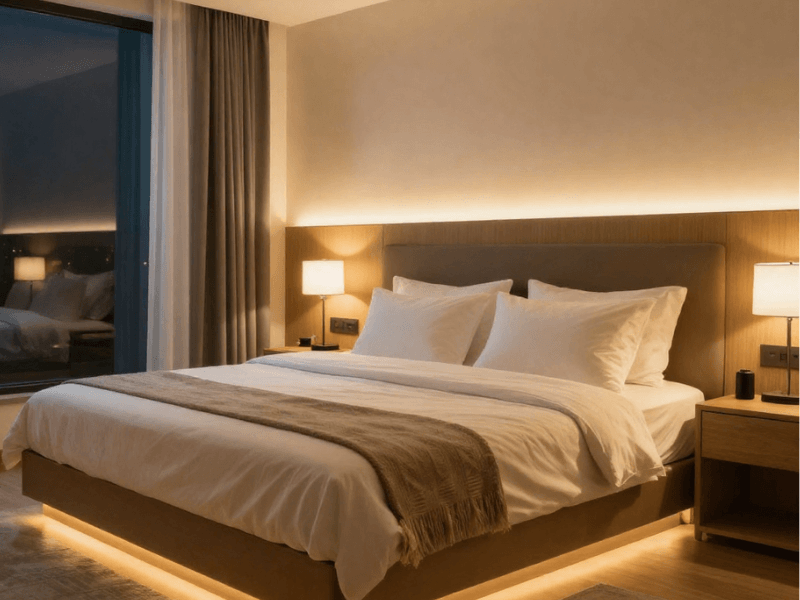
Your hands are covered in flour while baking, you're carrying groceries down the hallway, or you're snuggled comfortably in bed, only to realise the landing light is still on.
So what if, instead of fumbling for the switch with your elbow, putting down the groceries to flip it, then picking them back up, or walking outside to switch off the landing light, you simply tell your smart assistant what to do? That’s what voice-controlled lighting is all about: hands-free light control using spoken commands.
Ready to make everyday lighting a little easier to manage? This guide walks you through everything you need to know about voice-controlled lighting: equipment, connection, setup, and common issues.
Let’s get started. “Hey Alexa, play Sweet Child o' Mine by Guns N' Roses.”
What Is Voice-Controlled Lighting and How Does It Work?
Smart lighting is great, but it usually still requires opening an app to adjust the lights. With voice control, you can turn lights on and off and choose different settings with spoken commands.
The process is fairly straightforward.
-
You give a command.
-
The assistant interprets your request and communicates with your compatible smart light or lighting controller.
-
The device carries out the instruction.
From Voice Command to Lighting Response
Let's say you’re in the kitchen and you say, "Alexa, turn on the kitchen lights."
The voice assistant, Alexa, recognises the command, identifies the intended lights and sends the instruction. Your lights switch on, provided the devices are powered, connected, and configured correctly.
Connection will depend on the fitting model. Smart lights can connect via Wi-Fi, Bluetooth, or a separate smart-home hub.
What Equipment Do You Need?
Most voice-controlled lighting systems rely on three essentials:
-
A compatible voice assistant: Amazon Alexa, Google Home, or Apple Home with Siri. Keyword: compatible.
-
A compatible lighting product: A smart bulb or any smart lighting fitting.
-
The necessary connections: Depending on the product, you may need Wi-Fi, a manufacturer's app, or a hub.
We’ll touch on each one in detail later.
Which Lights Can You Control with Your Voice?
Not all smart lights support voice control. Always check before purchasing.
Smart Bulbs for Existing Light Fittings
These are the simplest ways to introduce voice-controlled lighting. That’s why they’re perfect for beginners. You only need the smart bulb and a Wi-Fi or Bluetooth connection.
Simply replace a conventional bulb with a smart one, connect it through the manufacturer's app, and link it to your preferred voice assistant. Of course, check that the bulb supports your chosen assistant and offers the features you need.
Also pick a bulb that fits your existing fixture. If your lamp holder holds B22 lamps, only get B22 lamps. The same applies to other lamp holders. Some smart bulbs offer basic on/off control, while others include dimming or colour-changing functions.
LED Strip Lights with Smart Controllers
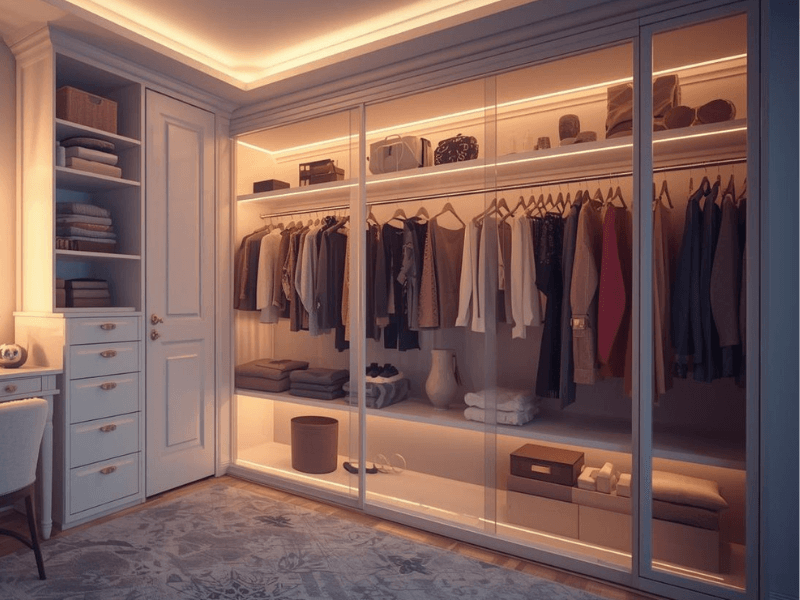
LED strips are your “everywhere lights”. They’re useful for adding illumination beneath kitchen cabinets, behind televisions, along shelving, or around decorative features.
The best part? If you already have a conventional LED strip, a compatible smart controller may let you control it with voice commands. However, this doesn’t mean that any smart controller will work.
The controller and driver must match the strip's voltage and lighting type. A controller designed for single-colour strips won't necessarily operate an RGB colour-changing strip, and vice versa. That’s why it’s important to always check and never assume.
Smart Switches and Compatible Lighting Controls
Sometimes smart lighting means only the switches are “smart,” letting you operate existing lighting circuits and potentially control several conventional lights together.
These smart switches can be wireless or mains-connected. The latter may require electrical installation and careful compatibility checks, so check with a certified electrician before installation.
Here’s a golden rule: Identify your existing lights first, then choose the voice-control equipment that suits them.

Alexa vs Google Home vs Apple Home: Which Should You Choose?
No single voice assistant is best for every household. What works for you might not work for another. That’s because it depends on:
-
The devices you already own
-
The lighting products you plan to buy
-
How you prefer to control your home
Amazon Alexa
If your household already uses compatible Amazon Echo devices and other lighting products, Alexa is a practical choice. It’s also one of the most beginner-friendly options.
You can turn supported lights on and off, group devices, and create routines for everyday tasks.
Google Home and Google Assistant
Google Home provides another way to manage compatible smart lights. You can organise devices by room, use voice commands through supported Google Assistant devices and create routines where the relevant products and features allow it.
It's worth considering if your household already uses Google's smart-home ecosystem.
Apple Home and Siri
If everyone in your home already uses an iPhone, Apple Home is a no-brainer choice. It lets you easily control compatible lighting products through Siri and the Apple Home app.
However, a bit of a caveat: Don't assume every Wi-Fi or Bluetooth smart light automatically works with Apple Home. Check the product's specifications for explicit support and any additional requirements.
Which leads us to the next topic…
Check Compatibility Before You Buy
All of these platforms are beginner-friendly, but that doesn’t mean installation won’t have hiccups. Which is why you need to check these four things first:
-
Which voice assistants does your chosen light support?
-
Does it require Wi-Fi, Bluetooth, or a separate hub?
-
Are your desired features, such as dimming and colour changes, supported?
-
Does it require a particular manufacturer's app or account?
A product that works with Alexa may not support Google Home or Apple Home. Some products also support different features depending on how they're connected.
Save yourself a ton of headache by checking these details beforehand.
How to Set Up Voice-Controlled Lighting Step by Step
Setting up voice control for your light is usually manageable. Follow the manufacturer’s instructions, as the exact process varies by product.
But here is the general process to get you familiar:
Step 1: Install and Power the Lighting Product
Install your smart bulb, lighting fitting, or LED strip according to the manufacturer's instructions.
For LED strips, check that the power supply or driver matches the strip's requirements and that the smart controller is compatible with both.
Power on the light once the installation is complete.
Step 2: Connect the Device to Its Required App or Network
Download the manufacturer's app if required. Follow its pairing instructions to connect your light or controller.
Depending on the product, this might involve connecting to Wi-Fi, pairing through Bluetooth, or adding the device to a compatible hub.
Some products require a particular Wi-Fi band (like 2.4 GHz), so check the instructions.
Step 3: Link the Lighting Product to Your Voice Assistant
Open your chosen smart-home assistant's app and follow the manufacturer's instructions for connecting the lighting product.
You may need to enable a compatible integration, link your account, or ask the app to discover available devices. This can vary depending on the light you choose.
The light should appear in the assistant's device list.
Step 4: Name Your Lights and Assign Them to Rooms
Give every light a clear, recognisable name. Here’s a simple naming convention you can follow: [location] + [type of light].
For example:
-
Kitchen Strip
-
Bedside Lamp
-
Hallway Lights
-
Living Room Ceiling
Assign each device to its correct room or group in the app for easy management.
Avoid giving several devices nearly identical and complicated names. The easier they are to remember and say, the better.
“Kitchen Downlights” is better than “KLU 6812”.
Step 5: Test the Main Commands
Double-check the available features and create commands for each one as needed.
Start with simple instructions to turn the lights on and off. Then test dimming, colour changes, and any other features available.
Check that the correct lights respond and that grouped devices behave as expected.

If you run into an issue, troubleshoot it before adding more devices. Get one room working reliably first before planning to connect the whole house at once.
Voice Commands Worth Setting Up for Everyday Life
It’ll be tempting to try crazy commands, but hold those for later. Start with ones that fit your daily routine and make life easier… because isn’t that why you got the smart lights?
Switch Lights On and Off
The most basic of commands. Keep the wording simple so it’s easy for you to say and easy for the voice assistant to understand.
-
“Alexa, turn on the kitchen lights.”
-
“Hey Google, turn off the living room lights.”
Adjust Brightness and Colour
If your chosen light supports brightness and colour adjustments, create separate commands for those too.
You can try something like:
-
“Dim the bedroom lights to 40%.”
-
“Change the LED strip to blue.”
Make sure you have the compatible controller set up for the lights to allow these functions.
Control Multiple Lights Together
Grouping compatible lights lets you control several fittings with one command.
For example, you might create a living room group containing the main ceiling light and a decorative LED strip. This is where “scenes” really shine, since you can have different preset settings saved.
-
“Alexa, switch to Movie Lights.”
-
“Hey Siri, activate Game Mode in the living room.”
Activate Routines for Morning and Bedtime
There’s no denying it. Automated routines make life easier, even if only a little. You can set a morning routine to turn on selected bedroom lights at a chosen time, while a bedtime routine can turn off the living room lights and dim a bedside lamp.
The available actions depend on your assistant and connected lights. Try simple “Hey, Google, good morning” or “Alexa, good evening” commands.

How to Troubleshoot Voice-Controlled Lighting
Smart lighting might start acting “dumb” when issues arise. Don’t worry, robots still aren’t going to take over.
Here’s a little overview of common problems and what to check:

Your Voice Assistant Cannot Find the Light
First, check the manufacturer’s app. Make sure the light has finished pairing there. Also confirm that the light supports your selected assistant.
If it’s in the app but not in the assistant, check the account-linking or discovery instructions.
The Light Appears Offline
Check that the light has power and that the required network or hub is working. Open the manufacturer's app to see whether the device responds there.
If it doesn’t, try to reconnect. Some lights have a reset button or setting in the app… don’t make that the default option if you don’t want to lose scenes and saved settings.
Voice Commands Work but Dimming or Colours Do Not
This could be a simple issue of the feature not being supported or an incompatible controller.
Confirm that your bulb supports dimming or colour changes. For LED strips, check the strip type, controller, and available assistant features.
The Wrong Lights Respond to a Command
Give devices distinct names (a.k.a. they don’t sound the same) and make sure they're assigned to the correct rooms and groups. You might have accidentally put your living room light into the kitchen lights group.
Voice Control Stops Working After Using the Wall Switch
Many smart bulbs need a continuous power supply to remain connected. Switching them off at the wall can disconnect them from the network until you restore power. Simply switch them back on.
Persistent connection problems, electrical faults, or incompatible equipment may require technical support.
How to Make Voice-Controlled Lighting More Reliable
Keep Device Names and Groups Simple
Use consistent room names and straightforward device labels. Don’t go crazy naming your lights. This is not an online game, SilverWind37.
Keep groups organised so your commands remain predictable as you add more lights.
Check Network and Hub Requirements
Follow the manufacturer's requirements for Wi-Fi bands, hub compatibility, and connection range. If a device regularly goes offline, the issue may be the connection rather than a faulty light.
Keep Firmware and Apps Updated
Check for updates to your lighting products, manufacturer's apps, and smart-home platform. Updates may address connection problems or improve compatibility.
Keep a Physical Control Option
Voice control is cool, but it's wise to have a backup plan for controlling your lighting.
A compatible remote or wall control can be useful when the internet, network or voice assistant is unavailable.
You know what they say: When technology fails, nothing beats analogue. (Totally not made up.)

Choose Compatible Smart Lighting Products from Simple Lighting
The secret to awesome voice-controlled lighting is compatibility and simplicity.
You don't necessarily need to replace every fitting in your home. A single smart bulb or compatible LED controller can be enough to upgrade your first room.
The Simple Lighting smart home collection has everything you need to start your voice-controlled lighting journey.
Just remember to start small, test your setup, and expand when you're happy with how everything works. Don’t rush it.
A little planning now can make everyday lighting simpler to manage.


0 comments