


So, you’ve been eyeing smart home lighting. Who wouldn’t?
You can turn lights on from your phone, dim them without leaving the sofa, and have your hallway light turn on automatically the moment you get home. Lovely.
Then you start looking into it and get bombarded with so much information, from smart bulbs and controllers to hubs, apps, Wi-Fi connections, and voice assistants, that it starts to feel like a university project.
But don’t let your Google search get you down. The good news is that, contrary to the common belief, you don’t need a full smart home system to enjoy smart lighting.
Start with one smart LED bulb, then build from there. Use this as a trial to learn how it works. But if you’re not sure where to start, don’t worry.
This smart lighting setup guide will walk you through the basics, from choosing your first light to creating scenes and setting up automatic routines.
Disclaimer: Smart lighting can get expensive. That’s why we'll also cover the compatibility checks that can save you money, time, and a fair amount of head-scratching.
Ready to get smart?
What Do You Need for a Smart Lighting Setup?
Depending on the product you choose, some components may vary, but these are the basic ones you’ll need:
Smart Bulbs
You know the saying, “Don’t judge a book by its cover”? Well, apparently light bulbs too! Smart bulbs look like standard LED bulbs, but they offer extra controls.
Depending on the model, you can turn them on and off remotely, adjust brightness, change colour temperature, or choose different colours.
Since you’re buying a light bulb, make sure it matches your existing fitting. I mean lamp bases like GU10, E27, B22, or E14. Check the fitting before ordering a replacement.
Suppliers like Simple Lighting offer different light bulb types to suit your needs.
Smart LED Strips And Controllers
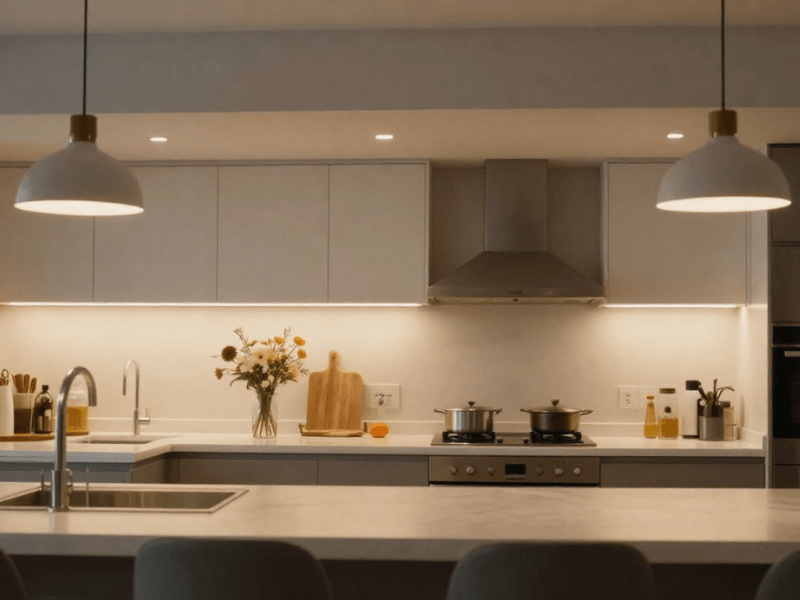
LED strips are the all-around lighting solution for any UK home. Use them under kitchen cabinets, behind a television, around shelving, or along a feature wall… virtually anywhere.
Add smart features, and they become the reliable lighting you need.
Unlike a typical replacement smart bulb, an LED strip generally needs a compatible controller and suitable power supply or LED driver. You need the controller to manage the lighting functions.
Check that all three components are compatible before buying. Check with the manufacturer which smart LED controller and lighting apps work seamlessly together to avoid performance issues.
Smart Switches And Wireless Controls
Despite modern cool tech, not everyone is comfortable controlling their lighting through a phone. Fortunately, smart lighting doesn't have to mean abandoning physical switches.
Smart switches can provide control over compatible lighting circuits. Wireless and kinetic switches also offer alternative ways to operate lights without wiring. Kinetic switches also don’t need a battery, which makes them even cooler.
These options are particularly useful in shared homes. One person (usually the younger generation) might enjoy adjusting everything through an app, while someone else might just want to press a button and get on with their day.
Just remember that compatibility matters here too.
Your Phone, Wi-Fi, And Smart-Home Platform
What are the different components you need to make smart controls possible?
-
Smartphone or tablet: If the smart light has an app, you install it here and adjust the light’s settings through that app.
-
Home Wi-Fi: Most smart lighting needs to connect to a Wi-Fi network so you can control it through the app.
-
Lighting app: Lets you manage your lights, create scenes, and configure supported features. This varies depending on the manufacturer.
-
Voice assistant: You’ve heard of Alexa, Google Home, and Apple Home. They provide hands-free control for any compatible lights.
-
Hub: This is a deep rabbit hole in and of itself, and might be the option that has the steepest learning curve. Usually, you need a separate device to connect lights and controls.
Always check the manufacturer's requirements. Simple advice, yet many forget.
Decide How You Want Your Smart Lights to Work
What do you want the lights to achieve? Figure this out, and it becomes much easier to narrow down your options.
"I just want app control"
Start by replacing an existing light bulb with a smart counterpart. Check that you have the associated app installed on your phone. Once connected, you can usually turn the light on or off and adjust its brightness from your phone.
Depending on the model, you might also be able to change its colour temperature. (Check for CCT models if this is something you want.)
This is a sensible starting point if you just want to “test the waters” nd don’t want to commit yet to a larger (and more complicated) system.
"I want voice control"
I mean, who doesn’t want to live out their childhood sci-fi fantasy of technology responding to your spoken words? The most famous voice assistants are Alexa and Google Home.
To control LED lighting with apps and voice, check that your chosen smart light supports your preferred voice assistant. Some models are compatible with both. Also check if an additional hub or integration step is needed.
"I want lights to follow a routine"
This is where smart lighting really shines, and it’s probably why you want smart lights.
You can create schedules that switch lights on before you wake up, dim them in the evening, or turn them off at bedtime. All set from your phone app. Depending on the model, you can set routines based on sunrise, sunset, or other conditions.
Schedules can also vary by day. If you have an earlier schedule on a Wednesday, you can get your lights to turn on 1 hour earlier.
Choose the light you use most in the home and start transitioning it to a schedule that works for you.
"I want physical switches and smart control"
Phones can become unreliable, so it’s always a good option to combine app-based control with compatible physical controls.
This gives everyone in the household a straightforward way to operate the lighting, even if their phone is charging in another room or they simply don't fancy opening an app.
It never hurts to have a plan B.

Choose the Right Smart Lighting Type for Your First Setup
One thing you have to understand is that different lights suit different jobs.
Smart Bulbs: The Easiest Starting Point
If you’re new to smart lighting, smart bulbs are a safe bet. They’re the simplest way to upgrade existing lighting without replacing the entire fitting or working with new wiring.
You do need to check a few things when getting one:
-
Make sure the bulb base matches your existing lamp holder. If you have a B22 lamp holder, don’t get a GU10 bulb.
-
Choose a suitable lumen output for the room and task. Don’t look at wattage for brightness!
-
Decide whether you prefer warm white, natural white, or cool white. Many models already offer an adjustable white light (CCT).
-
RGB colour: Choose a colour-changing model only if you want coloured lighting effects.
-
Check that the bulb supports the dimming method and controls you intend to use.
Smart LED Strips: For Accent And Feature Lighting
These are great for adding another layer of light (layered lighting).
Since LED strips are flexible (literally), you can install them almost anywhere with a suitable surface. Or use mounting clips for a more secure installation.
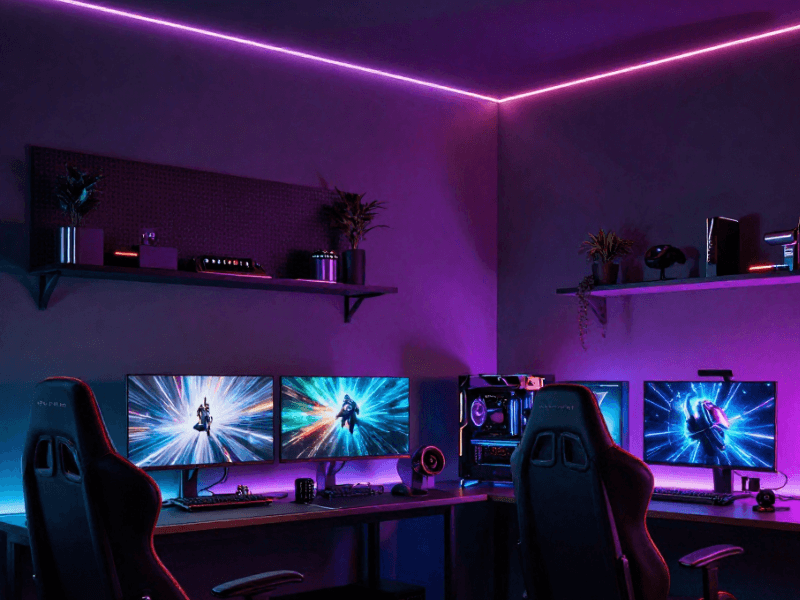
Popular applications include television and media walls, shelving, kitchen cabinets, bedrooms, gaming areas, and feature walls.
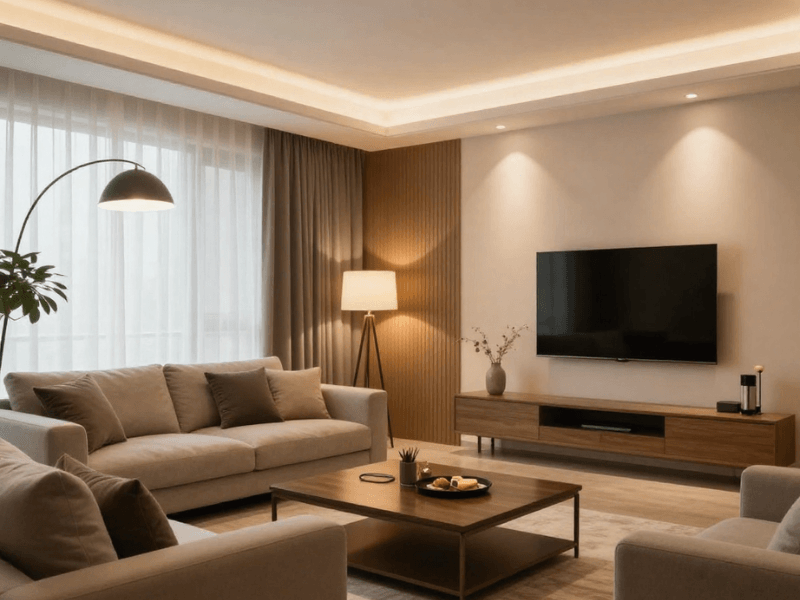
As I said above, LED strips are versatile, so depending on the model you choose, you can use them in the kitchen for task lighting or behind the television in the living room to add softer background light in the evening.
Smart Switches: When You Want To Control The Fitting Itself
Sometimes the bulb isn’t smart, but the switch or lighting circuit is. Picture this difference:
-
A smart bulb adds intelligent functions to the lamp itself. When you switch off the physical switch, you might not be able to control the lamp until you switch it back on
-
A compatible smart switch or control system can manage the lighting through the circuit instead. You can turn the lights on and off on command.
Some installations require electrical work, so check the product instructions and hire a qualified electrician, especially if there’s a need to work on the mains wiring.
Smart Downlights And Integrated Fittings
Sometimes simply replacing the bulb is not a practical solution. Consider other fitting types, especially during renovations, so you’re not limited to a few options. This should also help your layout be more flexible to your needs.
Compare brightness, colour options, controls, and installation requirements before committing, so you don't regret it later.
Before You Buy: Check These 6 Things
1. Lamp Holder And Fitting Compatibility
Again, fitting compatibility is a must. Always double-check that you have the right base for the light you’re getting. You’d be surprised how often people find a bulb they like and buy it impulsively without checking the base.
2. Voltage And Electrical Requirements
Not all smart LED lights are powered the same.
Some smart bulbs can run directly on standard mains power, while LED strips and other low-voltage products may need a separate compatible power supply.
Never assume that every smart light connects directly to mains electricity.
3. Wi-Fi, Bluetooth, Or Another Connection Method
Wi-Fi may be a convenient way to connect to smart lights, but some models connect through other means, such as Bluetooth and hubs like Zigbee or Thread.
Wi-Fi lets you control your lights from anywhere in the world, as long as you’re connected to the internet. Bluetooth, on the other hand, is a more local connection that relies on close proximity (usually within about a 10-metre radius).
Even better, some models support more than one method. So, always check the product description before purchasing, and make sure you’re confident using it.
4. App And Voice-Assistant Compatibility
Not every smart bulb works with every app or voice assistant. Some bulbs only work with the manufacturer’s own app.
Check the compatibility information, especially if you’re already using a particular voice assistant for other devices at home.
Pro Tip: It’s easier to use the system you already use than to add new ones you still have to learn. Keeping all your devices in one smart ecosystem also makes the experience smoother.
5. Brightness And Colour Temperature
It's easy to get blinded by cool new smart features and forget the main reason you’re buying new lights: illumination.
Determine the total smart bulb brightness you need to reach optimal brightness in the space. And remember:
-
lumens = brightness
-
watts = power consumed
Looking at watts for brightness is old-school. With LEDs, higher wattage doesn’t automatically mean a brighter light.
Also, keep an eye on colour temperature. Warm white generally creates a softer atmosphere, while cooler white can feel more alert and functional.
If you’re using the lights as an accent, go for warm white. If you’re using them for task lighting, go for natural or cool white light.
6. Whether You Want To Expand Later
You might only get one smart light today, but consider whether you could add more later.
One way to simplify future expansion? Using one platform for all your smart devices (yes, including lights!).
You don't need to buy everything at once. But that doesn’t mean you can’t prepare for a future expansion. Because, let’s face it, once you get comfortable with using a smart light, you can never go back.
You’ll definitely want another light or two… or maybe all.
How to Set Up Your First Smart Light
It’s all theory until you start getting your hands dirty… though they really don’t need to be.
Step 1: Install The Smart Bulb Or Fitting
Switch off the light and allow the existing bulb to cool before removing it. Fit the compatible smart bulb accordingly. They usually fit the same way as standard LED bulbs do. Next, restore power.
For direct-to-mains replacement fittings, use a qualified electrician to ensure safety and compliance with standard installation practices.
Step 2: Download The Manufacturer's App
Check whether the manufacturer has its own app, and install it on your phone or tablet.
You can follow the link or QR code on the label to make sure you’re downloading the right app.
Step 3: Connect The Light
The manufacturer should have laid out simple instructions for you, but the process is usually simple:
-
Switch on the light.
-
Open the manufacturer's app.
-
Select the option to add a device.
-
Follow the pairing instructions.
-
Connect to the required network or connection method, if prompted.
Some products enter pairing mode automatically. Others need a particular sequence of actions.
Step 4: Name The Light
And I don’t mean to name it “Sir Grindelwald the Mischievous”. I would also advise giving generic names like “Bulb 1” and “Bulb 2,” since that can get confusing.
Instead, name your new light based on where it is.
Won’t you agree that "Kitchen Ceiling" is a much more useful name than “Device 3”? “Bedroom Bedside Right” also gives a clear picture of where the light is.
These names become particularly helpful when you're using voice control or managing several lights through one app.
Step 5: Test The Basic Controls
Now check if the lights respond correctly. Check if all the available features work: on/off, dimming, colour temperature and colour adjustments, etc.
Make sure the app works seamlessly with the light/s.
Step 6: Connect Voice Control If Required
Add the voice assistant (if supported) once everything is checked to be working properly. The manufacturer’s app usually includes instructions for this.
Once the voice assistant is connected, set and test a simple command, like: “Turn on Kitchen Light”. Keeping the light’s name simple and direct can also help the voice assistant recognise the name and command easily.

Create Your First Smart Lighting Scene
Smart lighting offers more than simple automatic on/off functions.
What Is A Lighting Scene?
It’s a set of lighting settings you can save and activate at once. This removes the need to manually input a preferred setting every time you need it.
For example, in a living room, you might want the lights dim while watching a film and bright while playing board games with friends. You can save “Movie Night” or “Game Night” scenes that you can easily switch to with a single click or tap (depending on your preferred control).
You can also set an “Every Day Ambience” for normal everyday lighting that you can switch back to after each activity.
Start With Three Useful Scenes
You don’t have to create complicated scenes that turn your living room into a disco ball right away. Just have three simple ones ready.
Morning: Use brighter, cooler white lighting to create a more alert atmosphere as you get ready for the day.
Evening: Lower the brightness and choose a warmer white setting for a softer, more cosy feel.
Movie or Relax: Dim the main lights and leave selected accent lighting on at a comfortable level.
Even a bulb with only a simple dimming function can work wonders. The goal is to make your lights work for you, not the other way around.
Add Schedules and Automation
This is what sets smart lighting apart from standard options.
In simple terms, automation means your light performs a programmed action when a particular time or condition is reached.
Time-Based Schedules
This is predictable and easy to understand. You set a time for your lights to turn on or off.
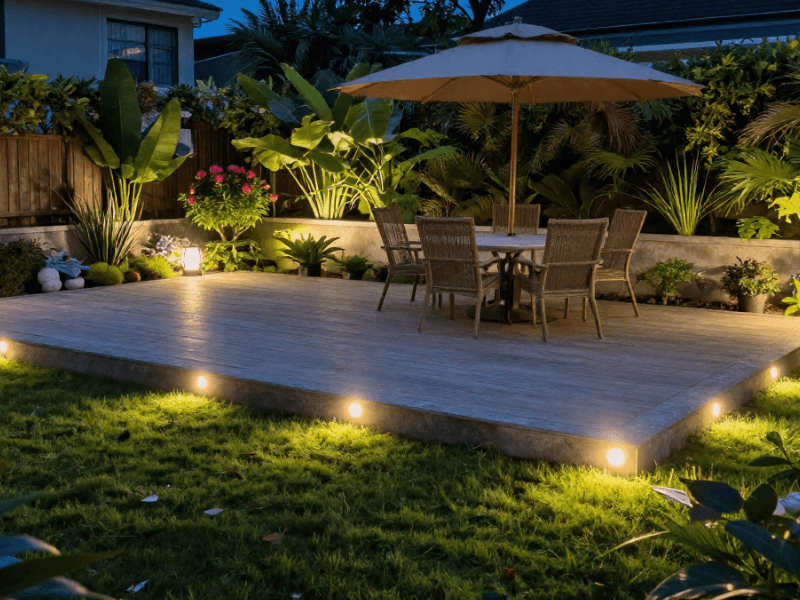
You could programme a bedside light to switch on before your usual waking time, turn the bedroom lights off at bedtime, or set an outdoor light to come on at a specific evening time.
Sunrise And Sunset Automation
This goes beyond a simple photocell sensor that detects daylight. Smart lighting can use specific sunrise and sunset times (which change throughout the year) to switch the lights on and off.
This can be useful for outdoor lighting or evening routines.
Not all smart lights have this feature, so always check.
Sensor-Based Automation
What if your lights turn on when someone enters an area and turn off after the space has been empty for a set period?
That’s what makes motion sensor lighting particularly useful in hallways, staircases, utility rooms, bathrooms, and even cupboards.
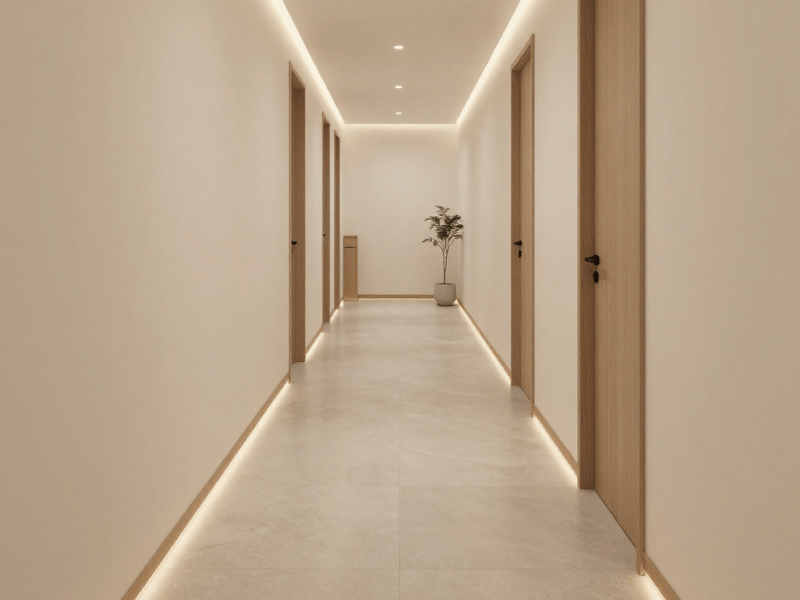
For example, hallway lights can turn on the moment you step inside, welcoming you home with a warm glow, or each step on the stairs can glow as you approach.
Don't Automate Everything
This doesn’t mean you should automate all your lights, because you often don’t need to.
Imagine binging a new Netflix show on your rare day off, and the “Bedtime” schedule automatically shuts down all the lights around the house at the same time, leaving you in the dark in front of the TV.
Take one problem you can solve with automated lighting and start with that.
How to Build Smart Lighting Room by Room
Smart lighting ideas aren’t useful unless you first understand what each room needs.
Living Room
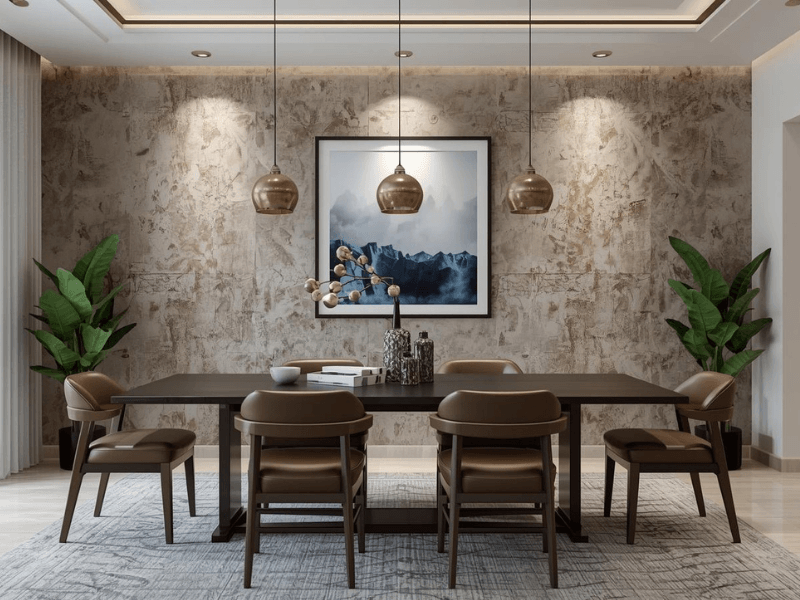
Combine general lighting with accent lighting for shelving, media units, or feature walls. This is a multipurpose room, so dimming and scenes are particularly useful here.
Kitchen
Prioritise clear, functional lighting for food preparation and other everyday tasks.
Smart ceiling lights can provide general illumination, while separately controlled under-cabinet strips can brighten worktops. Keep these lighting layers independent for flexibility.
Bedroom
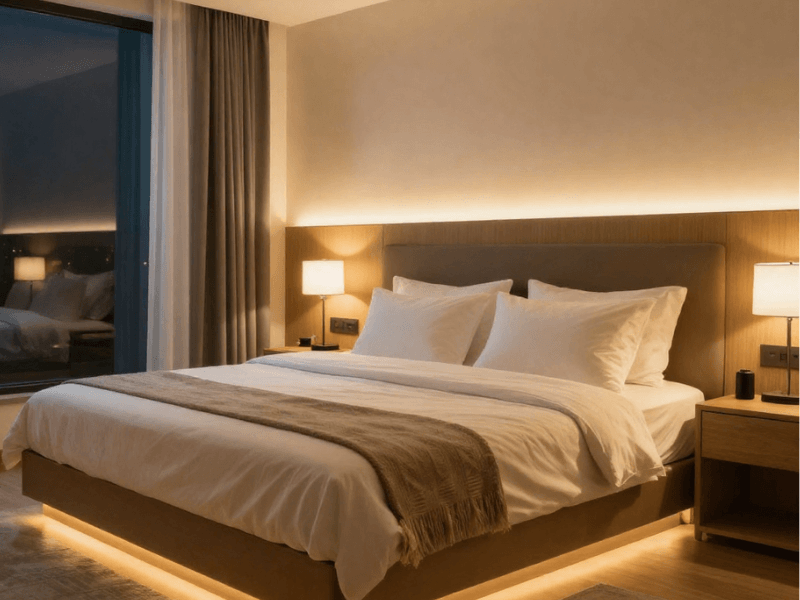
Warm, dimmable lighting works well for winding down in the evening.
Consider bedside smart bulbs or compatible wireless controls so you can adjust the light without getting out of bed. Set up a simple bedtime schedule to turn off the lights.
Bathroom
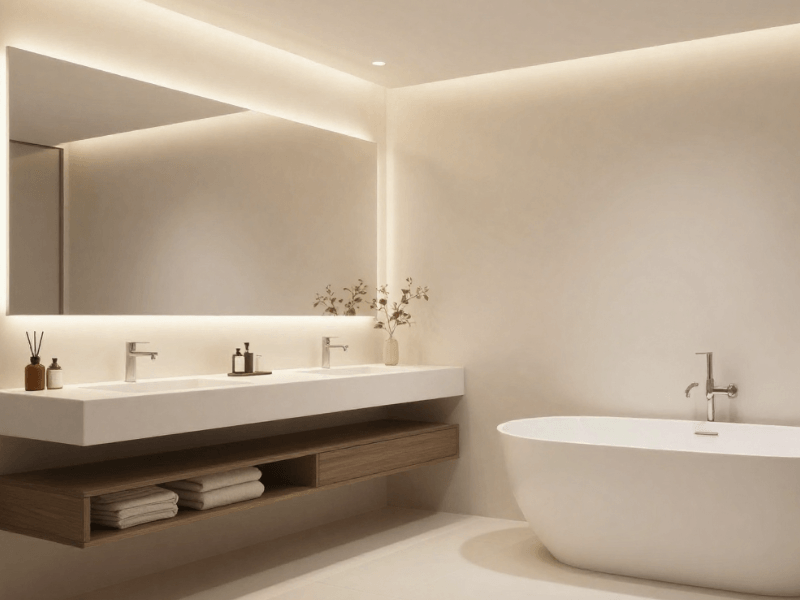
Smart doesn’t mean “not safe”. Always check your chosen light’s Ingress Protection (IP) rating to make sure it’s suitable for the bathroom zone you’re installing it in.
Hallways and Stairs
Motion sensor lighting can be especially practical in these areas. Automated lighting makes these spaces easy and safe to navigate, so you get the illumination you need the moment you step in.
One Smart Bulb vs a Whole Smart Lighting System
I know it’s tempting to plan a fully smart home right away. And I’m sure you can’t wait to get started. However, starting small lets you learn what works for your space and what doesn’t.
Start With One Room
Which room would smart lighting make a noticeable difference? Start there. Use one smart light to test the app, connection, and everyday controls.
Doing so will help you discover which features you genuinely use, so you can focus on those for your next installation.
Add Lights in Groups
Once you're comfortable with the basics, expand by room or lighting zone. Not the entire home right away!
For example, you could add bedside lights first, then move on to kitchen under-cabinet lighting, then hallway sensors, and so on.
This approach makes it easier to keep the whole system organised as it grows.
Build Around Routines, Not Gadgets
Don’t just add smart lighting for the sake of having smart lights.
Give each one a job it needs to do. Do you want to switch off several lights together? Create a softer evening atmosphere? Improve visibility in a dark hallway?
You don’t need every smart light you can get your hands on, only the ones that matter.
Common Smart Lighting Setup Mistakes
Buying The Wrong Bulb Base
An E27 bulb won't fit a GU10 lamp holder simply because both are smart. Check the fitting before ordering.
Choosing Brightness Based On Wattage
Wattage tells you how much power a bulb uses, not directly how much light it produces. Compare lumens when choosing brightness.
Ignoring Compatibility
Don't assume every smart bulb works with every app, voice assistant, or hub. Check the manufacturer's requirements before buying.
Making Every Light RGB
Colour-changing bulbs can be fun, but they're not essential for useful everyday lighting. Dimmable white light or adjustable colour temperature may be more valuable in bedrooms, kitchens, and living rooms.
Relying Entirely On Your Phone
In shared households, physical controls remain useful. It’s always good to have a contingency plan when app-based operation fails.
Starting With Too Many Devices
Buying a whole collection before testing the first product can leave you with unnecessary equipment or compatibility headaches. Try one or two products first.
Forgetting the Existing Lighting Layout
Smart technology can't compensate for poorly positioned lights, insufficient brightness, or a room with no useful lighting layers.
Plan the lighting itself first, THEN add smart controls.
A Beginner's Smart Lighting Setup Checklist

Use this checklist before you buy and while you get your first light running.

The Best Way to Start With Smart Lighting
So, that’s it. You don’t need a complete smart home to enjoy the benefits of smart lighting. Start with one room and learn which features you'll actually use.
Add scenes, schedules, and sensors… whatever makes sense for your home. Make the setup tailored to how you use the space.
The best smart lighting setup makes everyday life easier, whether that means a warmer bedroom in the evening, brighter kitchen worktops, or a hallway that lights up automatically.
If you’re ready to start your smart lighting journey, explore Simple Lighting’s smart home lighting range to take the first step toward a setup that works for you.


0 comments