
Lighteez Lighting Sensors & Controls
Choose how your furniture lighting responds: open a door, wave a hand, touch to dim or move into view. These Lighteez controls plug into the separate sensor port on a compatible furniture driver and operate its connected lighting group.
Explore the range
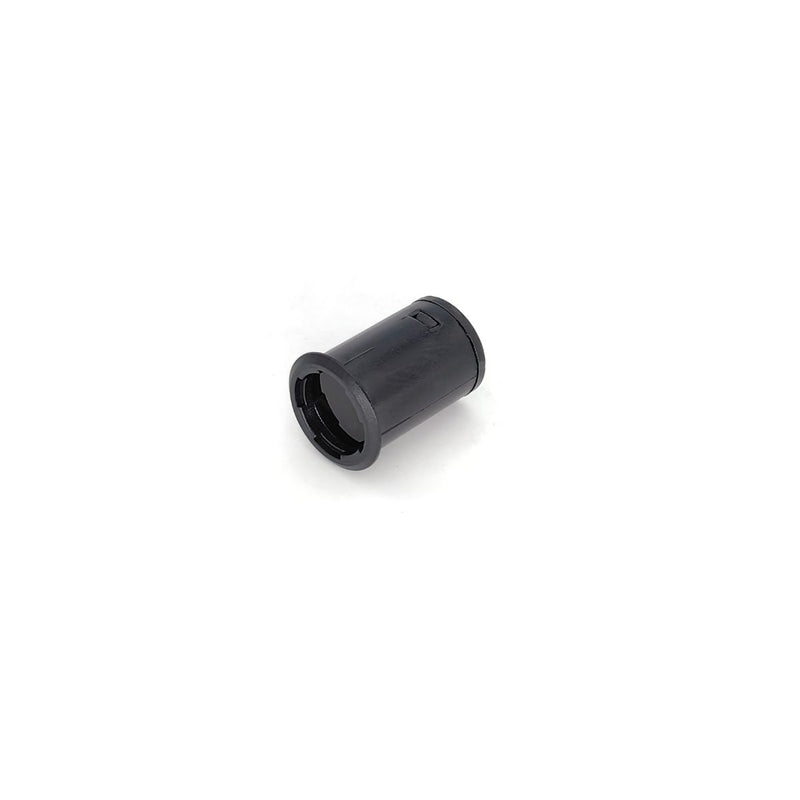
Door Trigger Sensor - Plug & Play Driver Accessory
Part of the Lighteez system
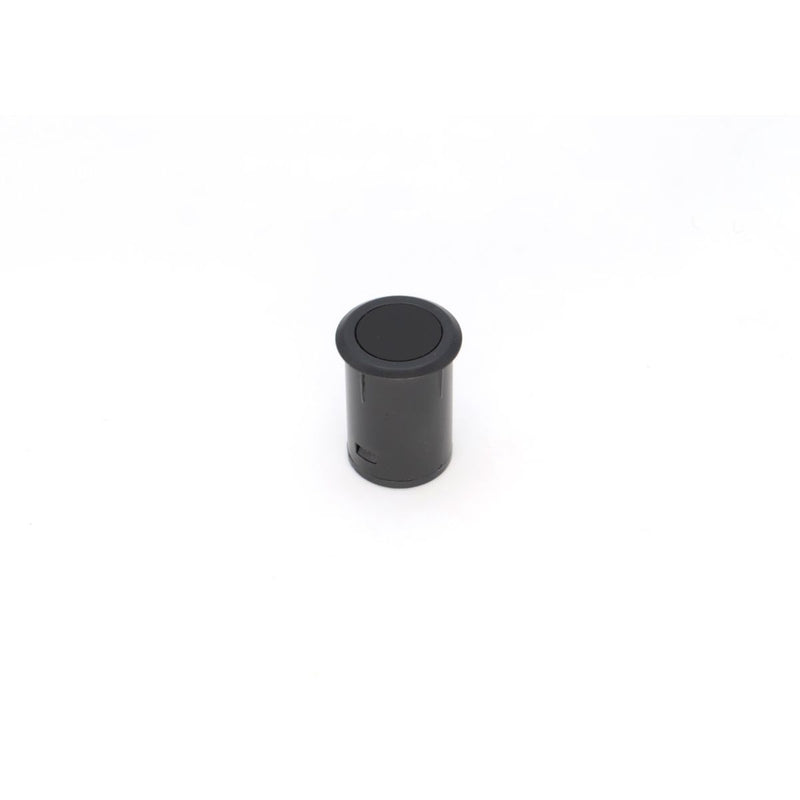
Hand Swipe Sensor & Dimmer - Plug & Play Driver Accessory
Part of the Lighteez system
Touch Dimmer Sensor - Plug & Play Driver Accessory
Part of the Lighteez system
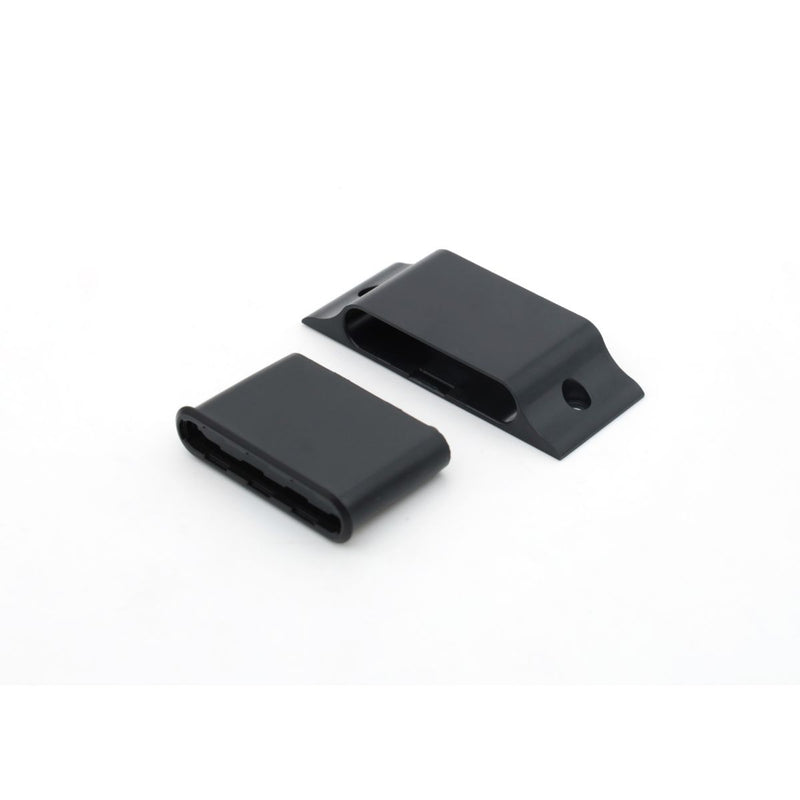
Double Door Sensor - Plug & Play Driver Accessory
Part of the Lighteez system
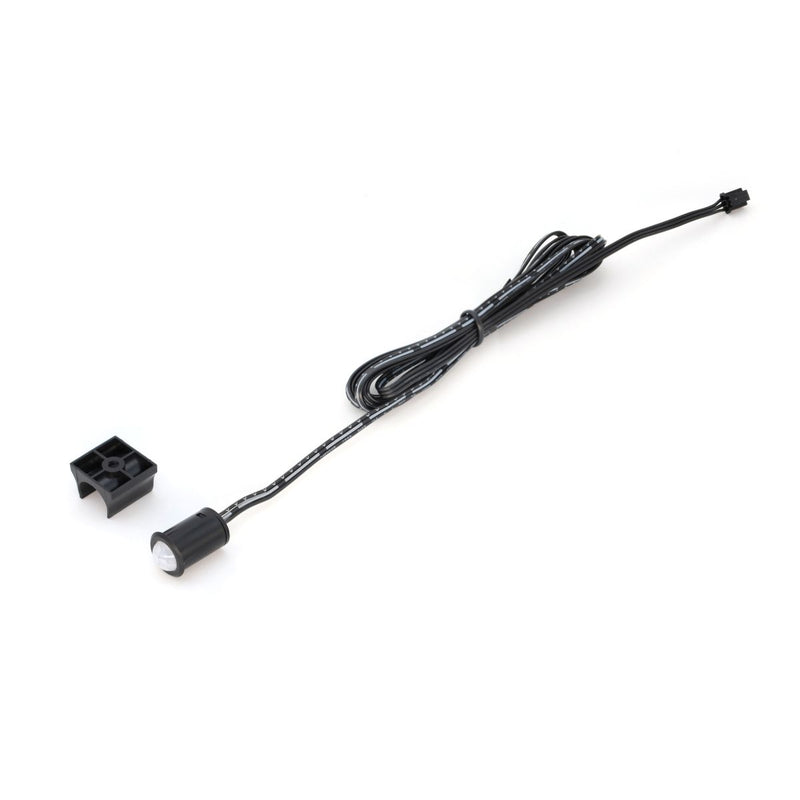
PIR Sensor - Plug & Play Driver Accessory
Part of the Lighteez system
Match the control to the furniture
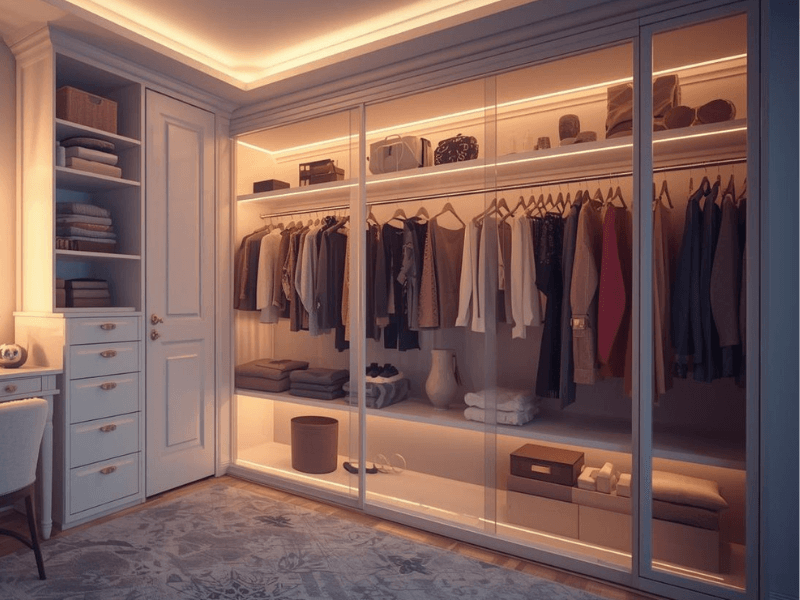
- Door and double-door sensors: for cupboard and wardrobe layouts.
- Hand-wave sensor: operate the lights with a gesture.
- Touch dimmer: adjust the brightness to suit the space.
- PIR motion sensor: respond to movement in its detection area.
Check each product's fitting dimensions and operating details before choosing the mounting position. A sensor must be positioned where the intended door, hand or movement can activate it.
Understand which lights switch together
A driver-port sensor controls the lights connected to that Lighteez driver. It does not independently address every fitting. If two areas need different controls, plan separate driver groups; each group can have its own sensor.
The sensor uses the dedicated control port, leaving the driver's light outputs available for cabinet lights, LED strips and illuminated profiles.
Dim through the Lighteez system
The Lighteez touch dimmer uses PWM on the 24V side and supports the cabinet lights in this system. It is not a mains wall dimmer. Select the matching control in the Lighteez kit builder so you can review the complete group before adding it to your basket.
Plan the whole project
Bring your lights, drivers and optional controls together in one lighting kit.