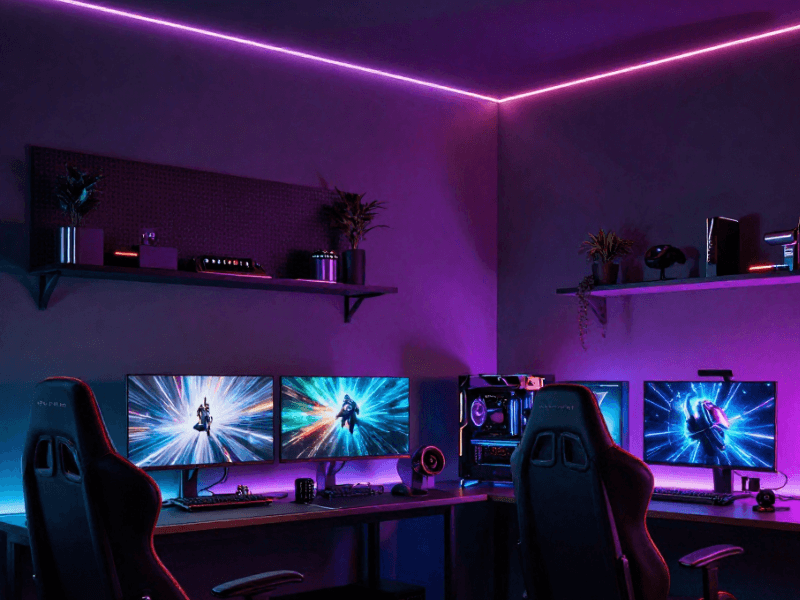
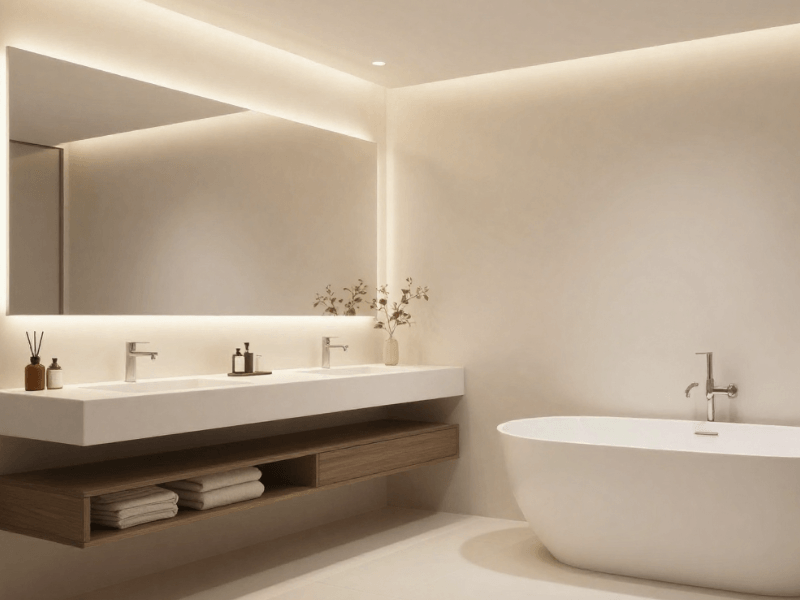
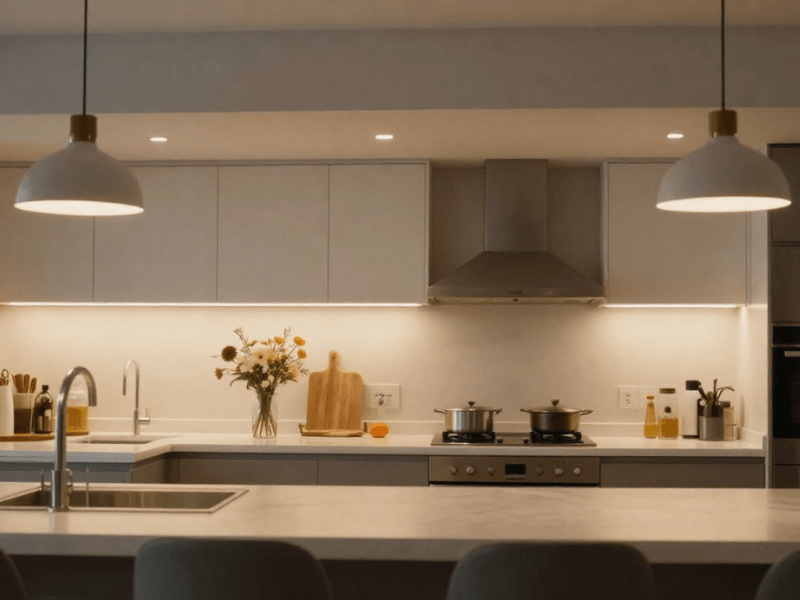
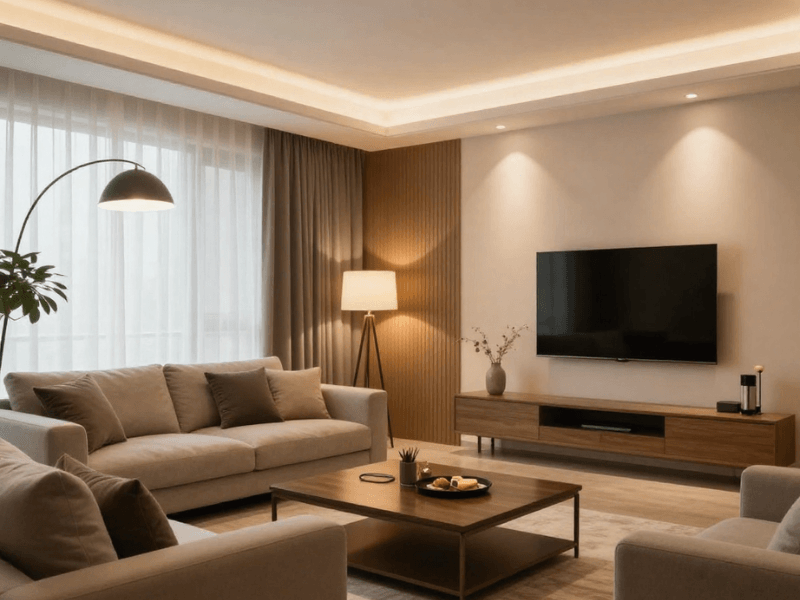




Is your smart bulb not connecting, your voice assistant ignoring commands, and your hallway lights switching on at 3 am?
Most smart home lighting mistakes come down to compatibility, poor setup, or incorrect settings. Fortunately, many problems are easier to fix than you might think.
The challenge is figuring out what's causing it. A disconnected bulb might need better Wi-Fi coverage, while unexpected lighting changes could come from conflicting schedules.
Before replacing perfectly good equipment, check a few things. Here are 10 common smart lighting mistakes, why they happen, and practical ways to avoid them.
1. Buying Smart Lights Without Checking Compatibility
Just because two products have "smart" on their packaging doesn't mean they'll work together. Unfortunately, no universal language connects every smart lighting device.
Some bulbs connect directly through Wi-Fi, while others use Bluetooth or Zigbee. These technologies work differently and can have separate connection requirements.
Wi-Fi bulbs generally connect through a compatible wireless router. Bluetooth typically supports shorter-range connections, while Zigbee devices commonly communicate through a compatible hub or controller.
Voice assistant support adds another consideration. A bulb might support Alexa and Google Home but not Apple Home, or require additional equipment.
Check the Bulb, App, and Smart Home Ecosystem
Before buying, decide how you want to control your lighting. Then check whether each product supports that arrangement.
Use this quick compatibility checklist:
- Fitting. Does the bulb match your existing light?
- Connection. Does it use Wi-Fi, Bluetooth or Zigbee?
- App. Which application controls the device?
- Hub. Does it need separate equipment?
- Voice control. Does it support your preferred assistant?
- Existing devices. Can it communicate with your current system?
Check the exact model rather than relying on general compatibility claims. Products from the same manufacturer can sometimes have different requirements.
Browse our smart LED bulbs and compare their specifications before ordering.
If you're starting from scratch, read our beginner's guide to smart home lighting. It covers the basics of building a connected lighting system.
2. Assuming Every Smart Bulb Fits Every Light Fitting
Say you found a bulb with adjustable brightness, voice control, and sixteen million colours. What if it doesn't fit your lamp?
Smart compatibility means little if the bulb has the wrong base. Physical dimensions and fit matter as much as wireless features.
Common UK bulb bases include:
- GU10. Often used in recessed ceiling spotlights.
- E27. A large screw base found in many lamps and pendants.
- B22. A bayonet base common in traditional UK fittings.
- E14. A small screw base typically found in decorative lights.
Two bulbs with matching bases can still differ in size. Some smart LED bulbs are wider or longer because they contain additional electronics.
Enclosed shades and recessed fittings also need attention. Heat can build up inside restricted spaces, making certain bulbs unsuitable.
Match the Fitting, Brightness, and Colour to the Room
Check the bulb's diameter, length, and recommended installation conditions. Compare these details with your existing fitting before purchasing.
Brightness matters, too, especially when replacing a standard LED bulb. Compare lumen output rather than assuming bulbs with similar wattages produce the same brightness.
Lumens measure visible light, while watts measure electrical power. A low-wattage bulb can still provide plenty of light.
Consider whether you need adjustable white lighting or colour-changing features. RGB effects are enjoyable, but they shouldn't come at the expense of useful everyday illumination.
If you're replacing several bulbs, test one first. This prevents you from buying an expensive collection of bulbs that don't quite fit.

3. Ignoring Wi-Fi Coverage and Network Requirements
Say your smart bulb works perfectly downstairs but keeps disconnecting in the bedroom. Before blaming the bulb, look more closely at your network.
Wireless signals weaken with distance and physical obstacles. Thick walls, floors, and poorly positioned routers can all affect connectivity.
Network congestion can also create problems when multiple devices compete for wireless access. Some bulbs additionally require specific Wi-Fi bands or router settings.
For example, many smart devices require a 2.4GHz network. Others have different requirements, so always check the manufacturer's instructions.
Troubleshoot Connection Problems Before Replacing the Bulb
Start by checking whether other devices struggle in the same room. If several devices have weak connections, wireless coverage may be the cause.
Next, work through these checks:
- Confirm your router supports the Wi-Fi band the device requires.
- Check the signal near the light fitting.
- Look for connection errors inside the manufacturer's app.
- Review any required router security or network settings.
- Restart or reconnect the device following its instructions.
If possible, temporarily test the bulb somewhere with stronger wireless coverage. Improved performance can help identify a coverage problem.
Avoid repeatedly resetting every connected device. That creates extra setup work without necessarily solving the original issue.
If you confirm weak coverage, consider repositioning your router or improving the wireless network. A replacement bulb won't fix a dead zone.
4. Using a Wall Switch That Cuts Power to Smart Bulbs
Here's a classic mistake that catches plenty of first-time smart lighting users.
You've installed the bulb, connected the app, and created your first schedule. Then somebody switches it off at the wall. Suddenly, your sophisticated lighting system has all the intelligence of an ordinary bulb.
Most smart bulbs need continuous electrical power to receive wireless commands. Turning them off through an app differs from physically disconnecting their supply.
Without power, the bulb cannot respond to scheduled routines, app commands, or voice instructions. Some bulbs also return to a default or previous state when power returns.
Choose a Control Method That Suits Your Household
Think about how everyone normally operates the lights. If household members prefer wall switches, relying entirely on phone controls could become frustrating.
One option is to keep the bulbs powered and use compatible wireless buttons or voice commands. Some smart switch setups also let you control the bulb without interrupting its power supply.
However, not every smart switch works this way. Some control the mains supply directly and can completely disconnect the bulb.
Before changing anything, check how your proposed controls operate together. Smart bulbs and conventional dimmer switches aren't automatically compatible either.
For mains wiring changes, call a qualified electrician. Never bypass electrical safety arrangements to keep a bulb connected.
Most importantly, choose controls that feel natural. Nobody wants to explain their light switch to every visitor.
5. Choosing Smart Dimmers or Controllers That Are Incompatible
Not every dimmer works with every LED light. Adding smart technology doesn't magically remove electrical compatibility requirements.
Many smart bulbs already control brightness through their internal electronics. Connecting them to unsuitable conventional dimmers can cause flickering, unstable brightness or other problems.
LED strip lights introduce additional requirements. Their power supplies and controllers must match the strip's voltage, power demand, and channel arrangement.
For example, a 12V strip needs a suitable 12V supply. A controller designed for single-colour strips might not support RGB or tunable white lighting.
Check the Whole Lighting System, Not Just One Component
Before purchasing smart LED controllers and lighting apps, identify every component in the system. One incompatible part can affect the entire installation.
Check the following:
- Light source. Confirm its type and supported dimming method.
- Driver. Match the power supply to the lighting requirements.
- Voltage. Confirm the correct operating voltage.
- Controller. Check supported channels, electrical ratings and maximum load.
- Control method. Confirm compatibility with your chosen app, switch or remote.
Don't assume flickering always means the dimmer is faulty. Poor connections, unsuitable drivers, and damaged equipment can produce similar symptoms.
If problems appear after adding a controller, review the manufacturer's compatibility information. Stop using equipment showing signs of overheating or electrical damage.
Our guide to LED strip controllers and drivers explains these components in more detail.
Where electrical faults or mains connections are involved, consult a qualified electrician. Guesswork isn't a particularly good wiring strategy.

6. Creating Too Many Automations Too Soon
Smart lighting automations sound wonderful until your lights start behaving like they're haunted. Fortunately, conflicting instructions are usually easier to investigate than ghosts.
Imagine setting a bedtime routine to switch everything off at 11 pm. Another automation then activates the hallway lights five minutes later.
Motion triggers, scheduled scenes, and voice routines can also affect the same devices. When these instructions overlap, the results may seem completely random.
Adding more rules rarely makes the situation easier. Sometimes, you've given your lights more opportunities to disagree.
Build Simple Lighting Scenes and Routines First
Start with three routines that genuinely help your household. Add more once those work reliably.
For example:
- Evening lighting. Dim living room lights when you're ready to relax.
- Bedtime. Switch off selected lights at a consistent time.
- Hallway movement. Activate appropriate lighting when somebody approaches.
Test each routine individually before combining them. Check whether multiple schedules affect the same room or fitting.
If a light behaves unexpectedly, temporarily turn off its associated routines. Re-enable them one by one to identify which instruction causes the problem.
Also review conditions involving sunrise, sunset, or motion detection. These triggers can overlap with fixed schedules in unexpected ways.
Keep the routines that provide genuine convenience. A reliable evening scene is more useful than fifteen elaborate settings nobody remembers.
7. Setting Up Motion Sensors in the Wrong Places
Motion sensors aren't particularly helpful when they detect everything except the person approaching. Unfortunately, poor positioning can create exactly that problem.
Sensor performance depends on detection range, direction, mounting position, and surrounding conditions. Different technologies also respond to movement differently.
Many PIR sensors detect movement across their field more effectively than movement directly towards them. A sensor facing the wrong direction might miss somebody entering a hallway.
Pets, moving objects, or nearby activity can also cause unwanted activation. Meanwhile, short time delays might switch lights off before someone finishes using the room.
Adjust Detection and Timing to the Space
Start by testing the sensor from the direction people normally approach. Walk through the intended detection area and check when the light activates.
Then review these settings:
- Detection direction. Position the sensor towards relevant movement.
- Sensitivity. Adjust detection according to the available settings.
- Time delay. Keep the light on long enough for the activity.
- Lux setting. Set the daylight threshold where supported.
A hallway might benefit from a shorter delay than a utility room. However, stairs need dependable lighting throughout use.
Remember that motion detection isn't always the same as occupancy detection. Some sensors stop detecting people who remain relatively still.
If unwanted triggers continue, check nearby movement and environmental conditions. For deeper troubleshooting, read our guide to common motion sensor lighting problems.
8. Expecting Smart Lighting to Work Perfectly During an Internet Outage
Your internet connection disappears, and suddenly your voice assistant refuses to cooperate. Not quite the seamless smart home experience you imagined.
Some lighting functions rely on cloud services or an internet connection. Remote access and certain voice commands may stop working when those services become unavailable.
However, not every smart lighting system needs continuous internet access. Compatible devices might still respond through local connections, direct controls or hub-based routines.
The key is knowing which features depend on which connections.
Understand What Works Offline Before You Buy
Internet outages, local network failures, and power cuts are different problems. A lighting system might handle one situation but not another.
Check these points before purchasing:
- Does the bulb support local control without internet access?
- Can a compatible hub operate routines independently?
- Will physical or wireless controls continue working?
- Which voice commands require online services?
- What happens when the network reconnects?
Test offline behaviour according to the manufacturer's instructions. Don't assume a feature works without internet access simply because another product supports it.
Keep a dependable control method for essential areas, particularly hallways and stairs. This might mean using physical controls or another reliable lighting setup.
Smart features should add convenience, not remove practical ways to illuminate your home. If you can't operate a bedroom light during an outage, it defeats the purpose.

9. Making Lighting Too Complicated or Too Bright
Smart bulbs offer countless colours, brightness levels, and lighting effects. That doesn't mean every room needs a miniature disco.
A blue living room might look impressive during a party. It's less appealing when you're trying to read or enjoy a quiet evening.
Another common mistake is buying colour-changing bulbs without checking everyday white-light performance. RGB capabilities don't automatically guarantee suitable brightness or colour quality.
Using one brightness level or colour temperature throughout your home can also feel uncomfortable. Different rooms need different lighting conditions.
Design for Everyday Use, Not Just Special Effects
Start with the activities taking place in each room. Then choose brightness, colour temperature, and lighting positions accordingly.
As a general guide:
- Warm white (2700K to 3000K) for bedrooms, living rooms and relaxing spaces.
- Neutral white (Around 4000K) for kitchens, utility rooms and practical tasks.
- Cooler white (5000K to 6500K) for selected tasks where you prefer a brighter-looking light.
These are useful starting points, not strict rules. Personal preference, room finishes, and available daylight also influence the result.
Layered lighting gives you more flexibility than relying on one ceiling fitting. Combine general illumination with focused task lighting and occasional decorative accents.
For example, use under-cabinet lights for kitchen preparation. Add softer accent lighting separately, rather than making every fitting unnecessarily bright.
Compare lumens when selecting your main lighting. Our guide explains how to choose the brightest smart bulb.
Finally, test your scenes during daylight and after dark. Your favourite midnight setting might be completely impractical at breakfast.
10. Forgetting Updates, Device Names and Basic Maintenance
Smart lighting shouldn't need constant supervision, but occasional maintenance helps keep everything organised. If you ignore your setup, small problems can gradually pile up.
Outdated apps or firmware can cause connection or compatibility issues. Changed permissions and device settings can also affect existing routines.
Then there's the naming system nobody thought through. "Bulb 1", "Bulb 2", and "Bulb 3" aren't particularly helpful when issuing voice commands.
You might remember which bulb controls the kitchen today. Six months later, that's another story.
Keep Your Smart Lighting Setup Easy to Manage
Use clear names that describe each device's location or purpose. "Kitchen Ceiling" and "Bedroom Lamp" are easier to recognise than generic numbers.
Group related lights by room where your system supports this feature. This also makes voice commands and shared scenes easier to manage.
Review these areas periodically:
- Updates. Install app and firmware updates as recommended by the manufacturer.
- Device names. Keep labels clear, consistent and easy to pronounce.
- Schedules. Remove routines that no longer match your habits.
- Permissions. Review connected apps and voice assistants.
- Old devices. Remove entries for equipment you no longer use.
After renaming or replacing equipment, test the routines linked to those devices. Some systems may require updated references or new device assignments.
Keep a record of essential product details and setup instructions. This makes future troubleshooting easier, especially as you expand your system.
A Simple Checklist for Avoiding Smart Home Lighting Mistakes
Before buying new equipment or trying smart lighting ideas for your home, work through the essentials. A few basic checks can prevent hours of unnecessary frustration.
Before buying:
- Confirm bulb bases, dimensions, and fitting suitability.
- Compare lumens and choose the right colour temperature.
- Check compatibility with the app, hub, network, and voice assistant.
- Match dimmers, controllers, drivers, and voltage requirements.
Before installing:
- Test wireless coverage and available control methods.
- Plan suitable motion sensor positions.
- Check which functions work without internet access.
- Arrange qualified electrical installation where required.
After installing:
- Test each automation before adding another.
- Give devices clear names and organise rooms.
- Review schedules, permissions, and updates periodically.
Start with one room, then test the full setup before expanding. Our smart home lighting products include bulbs, controllers, and accessories for different setups.

Make Your Smart Lighting Work for You
Smart lighting should save you hassle, not create another household problem. The best setup isn't necessarily the most advanced, but the one that works reliably every day.
You can avoid most smart home lighting mistakes by choosing the right products and setting up sensible settings. Start with compatible equipment, keep routines simple, and test everything before expanding.
Ready to make your lighting more convenient? Explore Simple Lighting's smart lighting solutions to find the right options for your home.


0 comments