

Working from home sounds lovely until someone in your regular video conference asks you if you’re feeling okay because you look tired and sad (even when you’ve just freshened up or done your makeup). The culprit? Your lights.
And that’s the challenge with home office lighting. It can work perfectly well for reading documents but might leave your face looking shadowy on a video call. But that’s just one side of the problem. A bright ceiling light could illuminate the entire room but also create uncomfortable reflections on your monitor.
This means good home office lighting needs balance. It should:
-
Make everyday tasks comfortable
-
Help you stay focused
-
Give you a clear, professional appearance during online meetings
In this guide, we’ll cover practical home office lighting ideas for productivity and video calls, no matter what your “office” looks like at home.
How to Plan a Home Office Lighting Setup for Different Tasks
If your home office has only a single ceiling light, you’re missing a lot. Different activities require different types of illumination, and your lighting should support each one. A good principle for comfortable home office lighting is to combine three layers of light: ambient, task, and camera lighting.
Ambient Lighting for Overall Workspace Visibility
This is the general illumination for your room. We’re talking about ceiling lights, LED panels, and recessed downlights that distribute light evenly throughout the space. After all, you can’t have a brightly lit desk in a dark room. You need to be able to see the whole room. This makes switching your gaze between your monitor and the surrounding space easier on the eyes.
Task Lighting for Reading and Computer Work
Task lighting adds focused illumination for detailed activities. This could be a desk lamp for paperwork, an adjustable light for drawing, or LED strip lighting beneath shelves to brighten a work surface. For a home office, an adjustable light source is a great task-lighting option because you can direct the light to specific areas without adjusting the rest of the room's lights.
Camera Lighting for Online Meetings
This one has a very specific purpose: To illuminate your face evenly so you appear clear and well-lit during video calls.
Your ceiling light might provide enough illumination for working, but it could still create shadows beneath your eyes or chin. I mean, you might want your higher-ups to know you’re working hard, but I don’t think that’s the way… right?
A separate light source positioned near your monitor can help balance these shadows and make your webcam image look considerably better. And more professional!
Home Office Lighting Ideas That Support Productivity
If you’re spending several hours every day at a desk at home, then you might at least want to make the experience as comfortable as you can. That goes with your lighting.
Use Natural White Lighting for Daytime Work
Colour temperature plays an important role in how your workspace looks and feels. A practical choice for general office work is natural white light (4000K). It provides a balanced appearance that isn't excessively yellow (warm white) or noticeably blue (cool white). This makes reading, writing, computer work, and other everyday tasks comfortable.
Choose the Right Brightness for Your Workspace
How bright your home office will be depends on your room size, desk, ceiling height, and how much natural daylight enters the space during the day.
There are two useful measurements to consider:
-
Lumens (lm): The total amount of visible light produced by a lamp or fitting.
-
Lux (lx): The amount of light reaching a particular surface, such as your desk. One lux equals one lumen per square meter
For general office work, approximately 300-500 lux is a useful starting range. You might still need dedicated task lighting for detailed work such as drawing, reading small print, or working with intricate designs.
Position Desk Lamps to Prevent Shadows
Here’s a tip you probably haven’t heard yet: If you're right-handed, place your lamp on the left side of your desk. If you're left-handed, place it on the right. This helps prevent your writing hand from casting a shadow across your work. Neat!
If you can find one, an adjustable desk lamp is a great choice because you can reposition the light depending on whether you're writing, reading, or working on something more detailed.
Use Under-Shelf and Desk Lighting for Dark Areas
The problem with overhead lighting is that it doesn’t really reach every corner of the space. If you have shelves, cupboards, or storage units above your desk, you know what I mean.
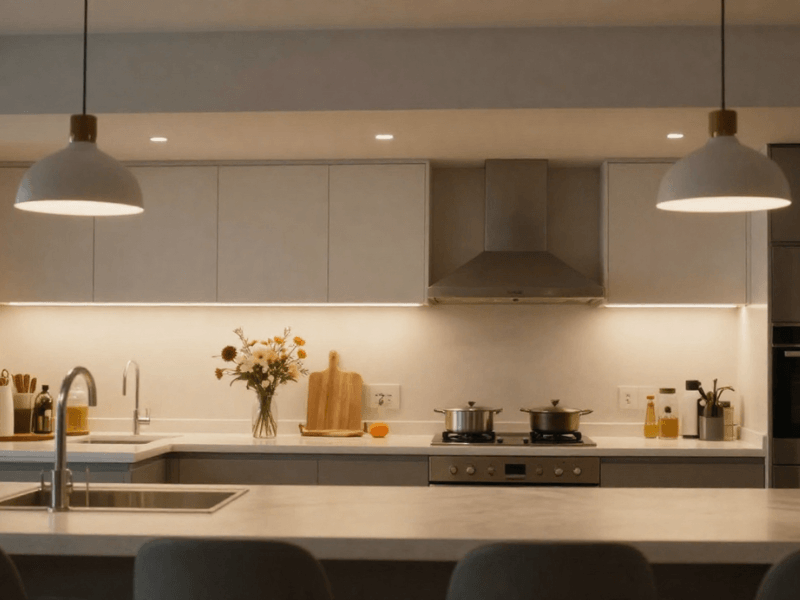
The deeper parts of a cupboard or the lower shelves get covered in shadows. Installing LED strip lights underneath these surfaces can brighten areas that would otherwise remain dark. For a cohesive setup, choose a strip with a colour temperature that complements your main workspace lighting.

Photo by Caroline Badran on Unsplash
How to Set Up Home Office Lighting for Better Video Calls
Whether it’s client meetings, interviews, or content recording, you need to look good on camera. How your face is lit can make a noticeable difference in your webcam image. Many would think you need an elaborate studio setup to achieve this. But we’re here to tell you: No. A few carefully positioned lights can do the job.
Position Your Main Light in Front of Your Face
Ideally, position the light slightly to one side of your camera. This helps illuminate your face more evenly while retaining a little natural definition. Relying on a ceiling light directly above you might emphasise shadows beneath your eyes and chin, while a light positioned too far to one side can create strong shadows across your face.
Placing the light directly in front of you can also make your face pale and “flat”. Try placing a soft LED panel or desk-mounted light beside your monitor, angled toward your face, to add a little depth.
Use Soft Lighting to Avoid Harsh Facial Shadows
You don’t necessarily need overly bright lighting for video meetings. A powerful light pointed directly at your face can create harsh highlights, uncomfortable glare and unflattering shadows. What you want is diffused lighting.
A diffuser spreads light across a wider area, creating a softer appearance. This is why softboxes, diffused LED panels, and ring lights are popular for video calls and content creation. Try lighting your face with and without a diffuser, and you’ll see the massive difference in how you look on camera.
Avoid Sitting Directly in Front of a Bright Window
Natural daylight is lovely for a home office. (Get as much as you possibly can.) But that doesn’t mean it doesn’t come with an issue: your window position matters.
If a bright window is directly behind you, your webcam may struggle to balance the exposure. If possible, position your desk so you're facing the window. This allows natural daylight to illuminate your face. But if changing your desk position isn't practical, you can have a different table to the side for calls instead.
Adding an artificial light source near your camera to balance the incoming daylight and adjusting your curtains or blinds are also possible workarounds.
Illuminate Your Background Without Distracting From Your Face
Your background matters just as much as your face, especially if you’re regularly meeting clients or recording professional content. Don’t settle for a flat image. Subtle accent lighting can add to how you look on cam.
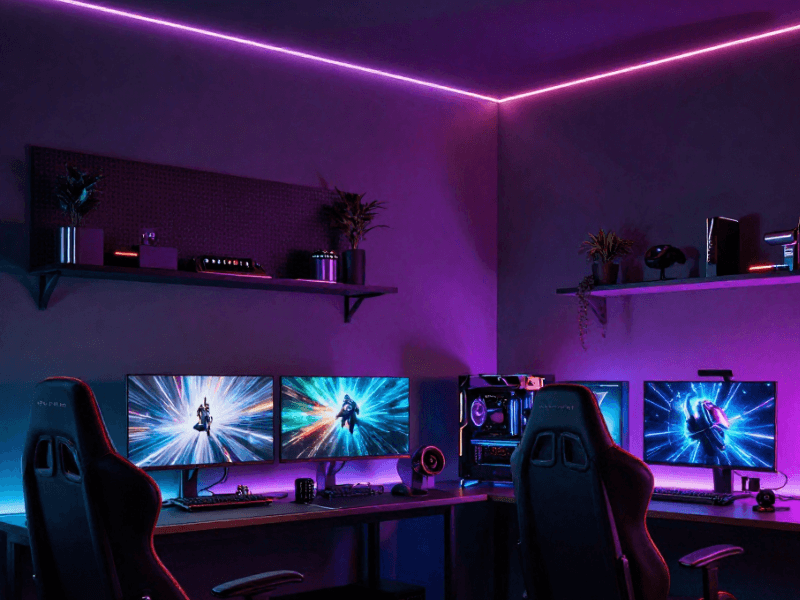
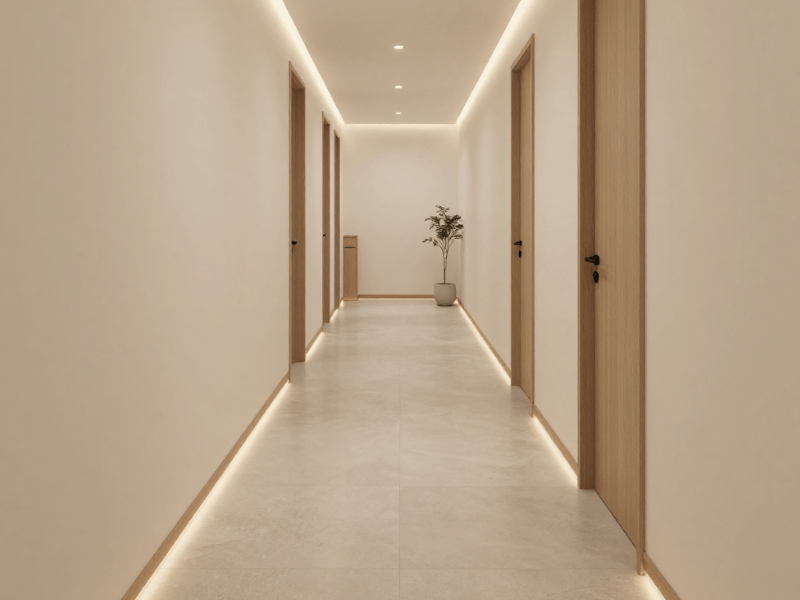
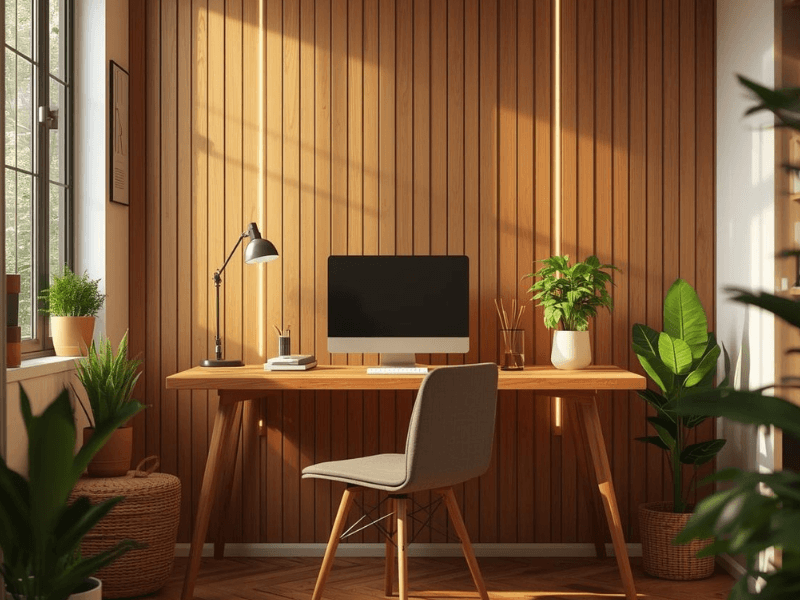
Consider installing LED strip lighting for your home office. Specifically, mount them beneath floating shelves, behind furniture, or along the edge of a bookcase to add an atmospheric glow. Wall lights can also introduce a gentle layer of illumination without taking up valuable desk space. Do keep the background lighting softer than your main facial light.
Test Your Lighting Before Important Meetings
Despite having proper lighting installed, it’s always good to check how everything looks before a meeting.
Pay attention to:
-
Facial shadows
-
Glasses reflections
-
Overexposure
-
Background brightness
-
Overall colour
How to Position Your Lights Around a Desk and Monitor
Position Ceiling Lights to Reduce Screen Reflections
A ceiling light positioned directly above or in front of a glossy monitor can create distracting reflections that make it hard to work.
If you already have a set office layout, adjust your lighting accordingly by considering where your desk and monitors sit. When possible (and practical), you can also reposition your desk to avoid unwanted glare while working or on video calls.
Add LED Backlighting Behind Your Monitor
Monitor backlighting, sometimes called bias lighting, isn’t just a way to improve the atmosphere around your desk. It also helps reduce eye strain and fatigue from staring at the monitor for long periods. A simple way to do this is by placing an LED strip behind your monitor so light gently washes across the wall behind it, creating a soft halo of light. So, yes. It’s practical lighting disguised as a decorative touch.
Use Adjustable Desk Lamps for Flexible Tasks
When your working day involves more than staring at a screen, an adjustable desk lamp can be useful. Look for an adjustable arm and directional head so you can control where the light falls. Move it as needed during your work hours. Don’t shine the light directly onto your monitor to prevent harsh reflections.
Avoid Mixing Too Many Competing Light Sources
More lights don't automatically mean a better workspace. You might think you need lights with different brightness levels, directions, and colour temperatures to give your office personality, but this can make your office feel visually inconsistent instead.
Try to establish one main lighting colour and use complementary sources to support it. A home office with a cohesive design is easier to look at and better for your focus!
Choosing the Best LED Lights for a Home Office
Different LED fittings serve different functions.
LED Downlights for General Workspace Illumination
These are the most popular (and practical!) options for distributing light across a home office. They’re also great for small spaces since they sit neatly within the ceiling, taking up virtually no vertical space. Consider brightness, beam angle, and spacing between fittings. Avoid dark gaps and overly concentrated pools of light.
LED Panels for Even Ceiling Lighting
These are great for typical office spaces, so why not for home offices too? They are. Their flat design also makes them a useful alternative to multiple smaller fittings with narrow beam angles.
LED Desk Lamps for Focused Work
If you often need to write, read, or work on detailed tasks, then a dedicated LED desk lamp will serve you well. Look for adjustable positioning, comfortable light output, and a design that fits your desk. Also look for one that doesn’t take up too much space. We suggest getting one with diffused lighting for comfort.
LED Strip Lights for Shelves and Monitor Backlighting
LED strips are basically your “everywhere light” at this point. You can install them anywhere. For your home office, place them underneath shelves, inside storage units, behind monitors, or along furniture edges to create indirect illumination. These are great for lighting spaces where bulky fittings aren’t practical or just won’t fit.
Smart Bulbs for Adjustable Lighting
Everything is smart nowadays, and we have a flying car. Switch to a smart LED bulb for added convenience. You can adjust brightness and colour temperature through an app or voice assistant.
In other words, hands-free lighting controls! Smart home office lighting makes switching between different moods easier and doesn’t involve changing your fittings.

Photo by Michael Soledad on Unsplash
How to Choose the Right Colour Temperature for Work and Video Calls
Setting the mood of your home office can be as simple as adjusting the colour temperature.
Natural White for Everyday Office Work
Look for a light with a 4000K rating for a balanced colour appearance for everyday office activities. Use this for general desk work, reading, and daytime video calls.
Warm White for Evening Work and Relaxed Settings
After work, you might want to wind down, play a game, or watch a movie. Warm white lighting, typically between 2700K and 3000K, can create a softer, more relaxed atmosphere. Smart bulbs and adjustable LED fittings make it easier to switch between these settings.
Keep Your Video Call Lighting Colour Consistent
Unless you’re going for a specific look, mixing noticeably different light colours can make your webcam image uneven.
As much as possible, match the colour temperature of your main camera light with the nearby lighting. For example, if your office has a dominant natural white, don’t use a very warm light for your camera. This doesn’t mean you need your lights to be 100% identical. The idea is to keep the lights reasonably consistent for a balanced image.
Consider Colour Rendering for Accurate Visual Work
If your work involves design or visual presentation through a camera, a good colour rendering is ideal. Colour Rendering Index (CRI) measures how accurately a light source reveals the colours of the surfaces it illuminates. A rating of 100 is the closest to how colours look under natural daylight.
In other words, a higher CRI generally means colours appear more natural. For tasks involving colour matching, artwork, or product samples, choosing LEDs with a CRI of 90 or above can be beneficial.
Create Flexible Lighting Scenes for Different Working Situations
Most of the time, a home office serves different purposes, depending on the time of day or the day of the week. Creating a few simple lighting scenes can make switching between activities much easier.
Focus Mode for Deep Work
Use balanced ambient lighting alongside a desk lamp aimed at your workspace. Keep decorative lighting subtle.
Video Call Mode for Online Meetings
For meetings, prioritise even facial illumination and controlled background lighting. Switch on your main camera light, reduce distracting reflections and keep accent lighting in the background relatively soft.
Evening Mode for Late Working Hours
If you're working after sunset, consider reducing the overall brightness, but don't make the room so dark that your monitor becomes the only bright source. Maintain enough ambient and task lighting for comfortable visibility. For an easier transition into the evening, you can also switch to warmer lighting.
Break Mode for a More Relaxed Workspace
Most home offices are part of the bedroom or living room, so when the workday is finished, softer ambient lighting and subtle accent lights can help the space feel less like an office. Consider checking out smart lighting ideas to make this transition as smooth as possible.
Home Office Lighting Ideas for Different Room Layouts
Small Home Offices and Box Rooms
Some useful options for smaller rooms:
-
Compact desk lamps
-
Flush ceiling fittings
-
Discreet LED strips
Avoid oversized, bulky fittings and excessively bright lights. You’ll be shocked at how easy it is to mess up lighting even in small spaces.
Home Offices With Limited Natural Light
Little or no natural daylight doesn't have to be the end of your office. Focus on achieving a balanced artificial lighting installation. Combine general ceiling illumination with focused desk lighting and LED fittings that provide a natural-looking white light.
LED sky panels are another option worth considering. They’re designed to create the appearance of the day sky, breaking the enclosed feeling within the space.
Desk Setups in Bedrooms and Living Rooms
Work mode and rest mode should have very distinct light settings. Smart bulbs, dimmers, and separate switches let you change the atmosphere without rearranging your furniture. For example, you can use brighter lights while working and a softer setting afterwards.
Dual Monitor and Multi-Screen Workstations
This comes with its own challenges, as multiple screens mean more potential for unwanted reflections. Double-check your light positions before permanently fixing the lights. Monitor backlighting can also help create a consistent background glow without shining directly onto your screens.
Common Home Office Lighting Mistakes to Avoid
It's easy to overlook a few basic lighting details. Here are some common mistakes worth avoiding.
Relying on One Overhead Light
We’ve already established that a single ceiling fixture might illuminate the room but leave your desk poorly lit or create unflattering shadows on your face.
Placing a Bright Window Behind Your Desk
Sitting with your back facing a bright window can put you “against the light”, making your face appear dark during video calls.
Using a Desk Lamp That Reflects on Your Screen
Poorly positioned desk lamps tend to create reflections that make it hard to see what’s on your screen.
Choosing Decorative Lighting Over Practical Illumination
Decorative lights? Fantastic. LED strips and background lights? Amazing. But that doesn’t mean they can replace practical ambient and task lighting.

Build a Home Office Lighting Setup That Works Every Day
As you might have surmised by now, creating a comfortable home office doesn't require a complicated lighting system.
The best scheme follows the principle of layered lighting. Combine:
-
Ambient lighting for the whole room
-
Task lighting for your desk
-
Soft light source for video calls
-
Subtle background lighting for depth
Most importantly, arrange your lights around your working habits. What works for others may not work for you, and vice versa.
If you’re ready to transform your humble home office, explore Simple Lighting today and browse our home office lighting collection to find everything you need to create a comfortable, productive, camera-ready home office.


0 comments