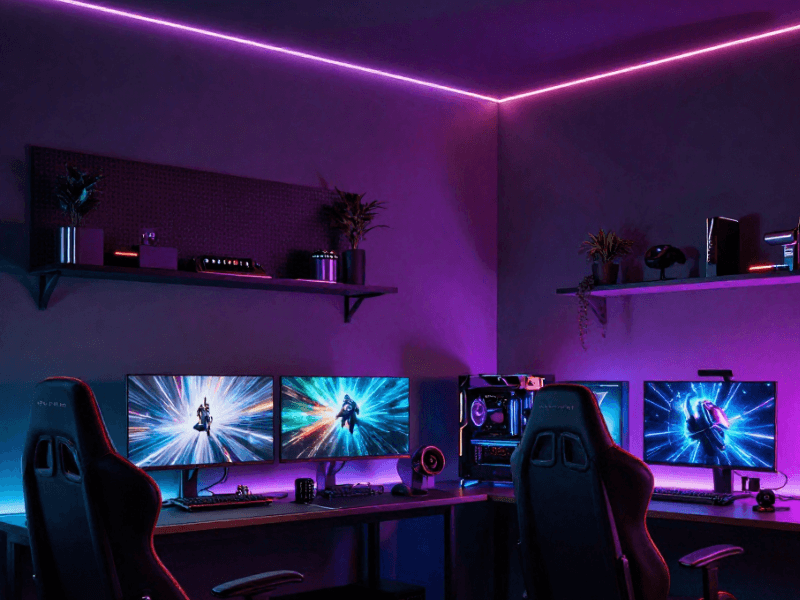
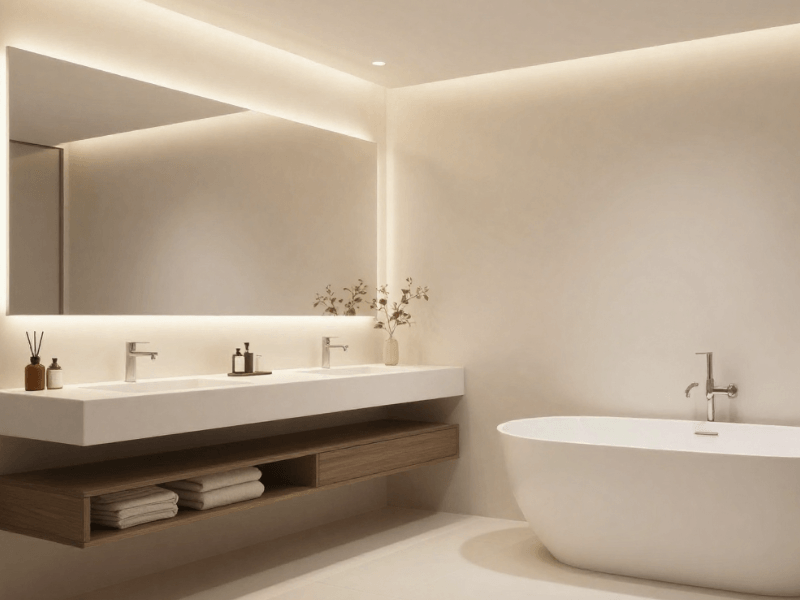
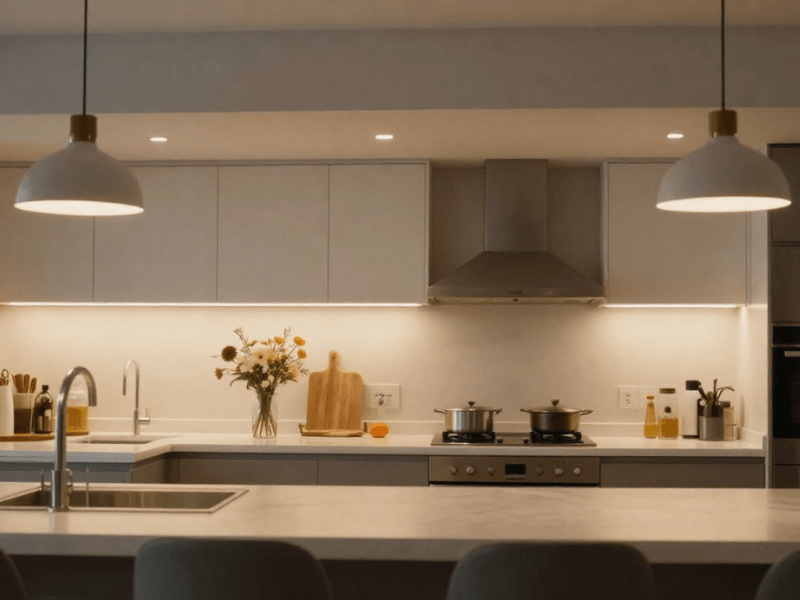
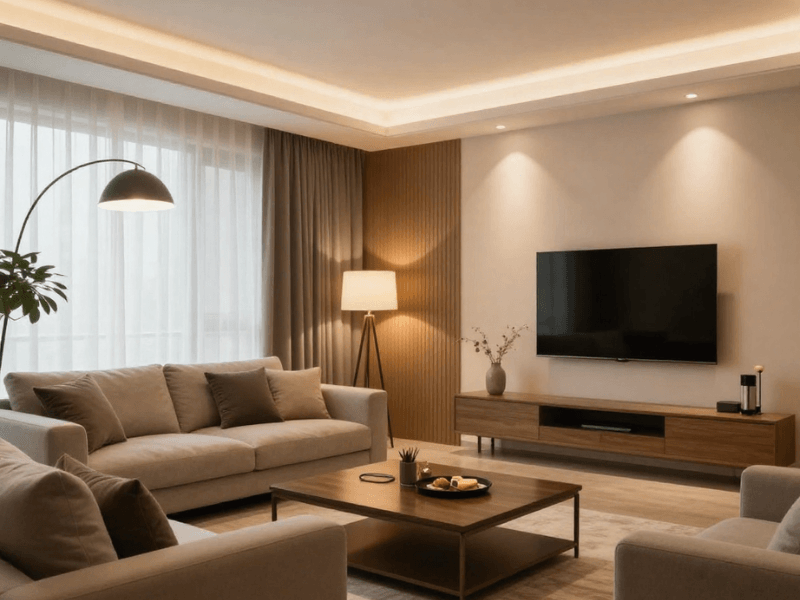

Smart GU10 downlights put the connected controls inside a replaceable bulb. Integrated smart downlights have a built-in LED source and compatible control electronics. The best choice depends on your existing fittings, the smart-home system you use and the controls you need.
Neither design automatically offers better brightness, efficiency or connectivity. Compare the exact model and the complete system. For the general fitting comparison, read our GU10 downlights buyer's guide.
What Makes a Downlight “Smart”?
A smart light can receive commands from a compatible app, remote, hub or automation system. An ordinary LED downlight is not necessarily smart, and a dimmable light does not automatically support app control.
How Smart Features Help Day-to-Day Life
Useful features can include grouped switching, scenes and schedules. Some products also offer remote access, motion-triggered routines or colour adjustment. Choose features you will use, and check which need extra equipment or an internet connection. Reduced lighting hours can save energy, but smart operation is not a guarantee of lower bills.
Smart Home Compatibility
Start with the platform you want to use, then check the product's stated compatibility. Wi-Fi, Bluetooth, Zigbee and other connection methods have different setup requirements. A shared radio technology does not guarantee that every feature works across brands.
- Check the required app, hub or bridge and whether it is included.
- Confirm the supported voice assistant or home platform.
- Check whether local control works when the internet is unavailable.
- Confirm network requirements, grouping limits and the available controls.
Core Smart Functions Explained
Dimming changes brightness. Tunable white changes the shade of white. RGB offers coloured light; RGBW adds a dedicated white channel. Scheduling and motion routines require compatible controls or sensors. These are separate features, so check each one rather than assuming every smart lamp provides them all.
Understanding GU10 LED Downlights
A GU10 fitting holds a separate twist-lock bulb. A compatible smart GU10 can add connected control while retaining a suitable existing housing. Check bulb length, diameter, permitted wattage and suitability for enclosed operation.

How GU10 Works with Smart Features
The selected bulb provides the smart functions. It normally needs power available to receive commands; switching off its mains supply can make it unreachable. Plan everyday wall control as well as app control, especially in shared rooms.
Pros and Cons of GU10
The main advantage is a separately replaceable lamp. You can change compatible bulbs later without replacing a serviceable housing. The trade-off is checking fitting and lamp compatibility, plus managing the setup of the required number of bulbs. Compare complete costs, including lamps, hubs and controls.
Understanding Integrated LED Downlights
An integrated downlight has its LED source built into the fitting. Smart control may be inside the unit or supplied through a compatible driver or control module. Check the actual dimensions: integrated does not always mean shallow, and GU10 does not always mean bulky.

How Integrated Downlights Work with Smart Systems
The fitting and specified controls work together as a system. Confirm supported dimming, colour settings and platforms. An integrated fitting with a colour-temperature selector is not necessarily app-controlled, and a standard dimmable driver is not automatically a smart driver.
Pros and Cons of Integrated LEDs
An integrated design may offer the output, beam or dimensions your project needs. Replacement options vary: some models have serviceable drivers or modules; others require a new unit. Check warranty, replacement parts and manufacturer instructions instead of assuming a universal lifespan or servicing rule.
Key Differences Between GU10 and Integrated Smart Downlights
| Check | Smart GU10 | Integrated smart downlight |
|---|---|---|
| Where the smart function sits | In the selected smart bulb. | In the unit or compatible driver/control system. |
| Existing fitting | Check lamp dimensions and housing suitability. | Check cut-out, depth, wiring and driver space. |
| Replacement | Compatible lamp can normally be replaced separately. | Depends on available driver/module servicing or unit replacement. |
| Controls | Check app, hub and wall-control requirements. | Check app, hub, driver and wall-control requirements. |
| Brightness and efficiency | Use the chosen bulb’s lumens and watts. | Use the complete fitting’s lumens and watts. |
| Cost | Include fittings if needed, bulbs and controls. | Include fittings, drivers and any extra controls. |
Which Type Should You Choose?
Consider smart GU10 when you already have suitable GU10 housings and want replaceable lamps. Consider integrated smart models when their dimensions, output and control system suit a new installation. For either option, test the intended control experience before committing to a large project.
Installation and Maintenance Tips for Smart Downlights
DIY vs Professional Installation
Changing an accessible compatible lamp differs from installing a mains-wired fitting. Isolate the supply, allow the lamp to cool and follow the housing instructions for lamp changes. Use an electrician for new wiring, replacing mains-connected housings or altering switches. Check bathroom and fire-rated ceiling requirements separately from smart features.
Consider Smart Hubs and Wi-Fi Range
Check coverage where the lights will be used, follow hub placement instructions and confirm system limits. Connection problems can come from coverage, configuration or compatibility; changing every bulb is not necessarily the solution.
Dimmers and Switches
Do not assume a smart bulb works with an existing wired dimmer. Follow the lamp manufacturer's permitted control arrangements. A compatible wireless remote is different from a mains dimmer. For conventional dimmable downlights, match the dimmer and driver or lamp instead.
Maintaining Performance in Winter
Review schedules as daylight hours change. Keep supported software updated and retain setup details so that controls can be restored after a network change. Avoid using unnecessarily long schedules just because automation is available.
Choosing the Right Smart LED Downlight for Your Home
Make a shortlist using the fitting dimensions, platform, controls, output and replacement options. Our downlight selection guide and smart lighting ideas can help you plan the room. Browse Simple Lighting and confirm the exact compatibility before ordering.


0 comments