

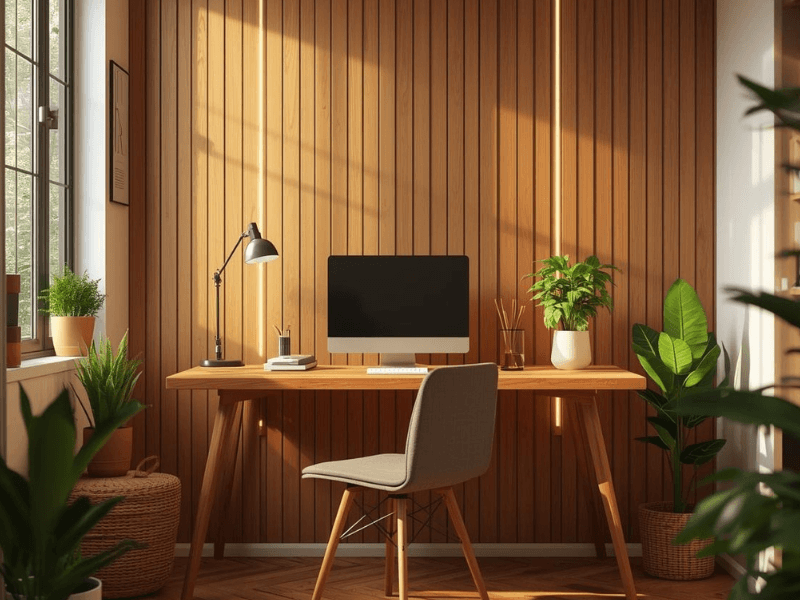


Explore the Gaming Lights Hub
Your monitor might be 4K, and your chair might hug your spine. But if your room’s still lit like a grey office cubicle, the vibe check has failed.
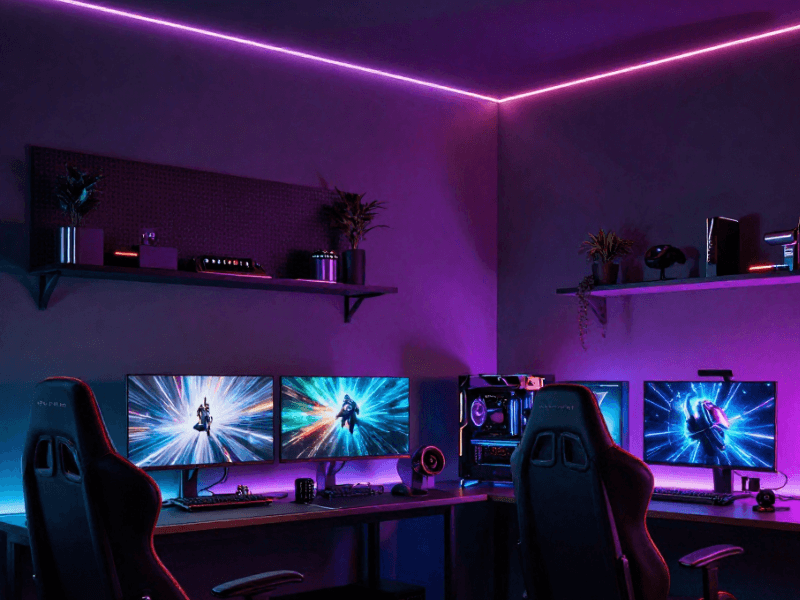
Gaming lights aren’t just about showing off – although they do make your setup look Instagram-ready. The right glow keeps your eyes from burning out, makes late-night raids less blinding, and helps you stay locked into the game.
Why Gaming Lights Matter
Think of lighting as part of your gear. A good keyboard feels better, a smooth mousepad gives you the edge – and the right lights set the mood for hours of play. Here’s what great lighting can do for you:
-
Protect your eyes – softer background light reduces strain compared to staring at a bright screen in a dark room.
-
Boost immersion – colour-changing RGB strips or sync-to-music lights can make you feel part of the action.
-
Upgrade your space – from moody blues to bold neons, your setup looks instantly more professional (or more fun).
Types of Gaming Lights - At a Glance
Not sure where to start? Here’s a quick guide to the most popular options:
| Type | Best For | Why Gamers Love It |
|---|---|---|
| RGB Strip Lights | Desks, shelves, monitors | Affordable, flexible, endless colour choices |
| Smart Bulbs & Lamps | Whole room glow | App and voice control, quick to set up |
| Back Lighting | Behind monitors/TVs | Reduces eye strain, makes screens look sharper with LED Strips |
| LED Panels & Bars | Statement setups | Bright, bold, customisable patterns |
Quick Wins for Your Setup
-
Place a strip of LEDs behind your monitor for instant ambience.
-
Add smart bulbs to your ceiling or floor lamps for voice-controlled colour changes.
-
Use cable management to hide the mess – neat setups always look better with lighting.
-
Pick a colour theme (cyberpunk purple, neon blue, retro arcade red) and stick to it for a polished look.
Infographics - Level Up Your Gaming Setup With LED Lighting

FAQ - Gaming Lights Explained
Do gaming lights really help with eye strain?
Yes. A soft glow behind your screen (called bias lighting) balances the brightness, which makes gaming in the dark much easier on your eyes.
Can I sync lights with my PC or console?
Definitely. Many RGB strips and smart lights work with software like Razer Chroma, Corsair iCUE or even music sync apps.
What’s the difference between cheap and premium lights?
Budget strips are fine for colour, but premium options give you brighter LEDs, smoother effects, and longer lifespan.
Shop Gaming Lights
Good lighting makes gaming immersive, stylish, and easier on the eyes. Bad lighting makes you look like you’re working overtime in a tax office. So don’t settle! Check out the guides above for quick wins, and browse Simple Lighting’s Gaming Lights to give your room the LEDs it deserves.
Embed This Infographic
Want to share our infographic on your own site? Copy and paste the HTML code below. Please keep the attribution link to Simple Lighting.


0 comments