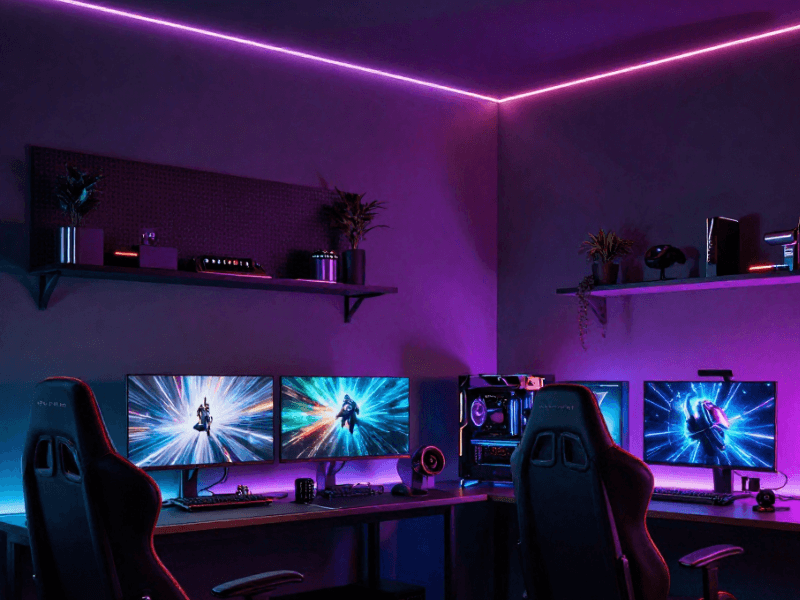
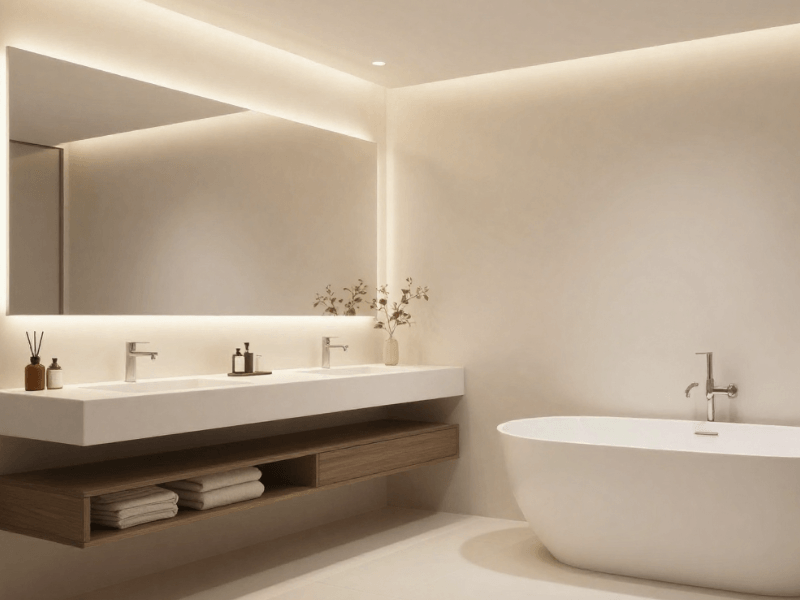
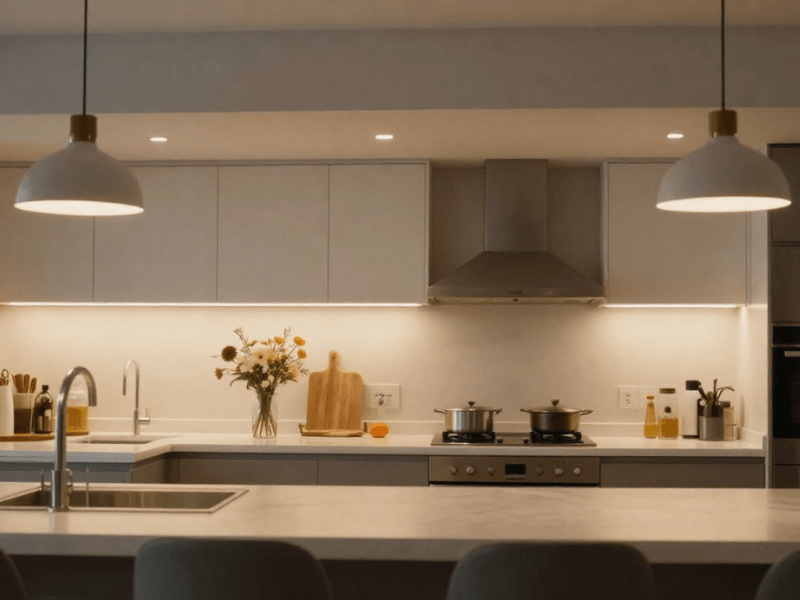
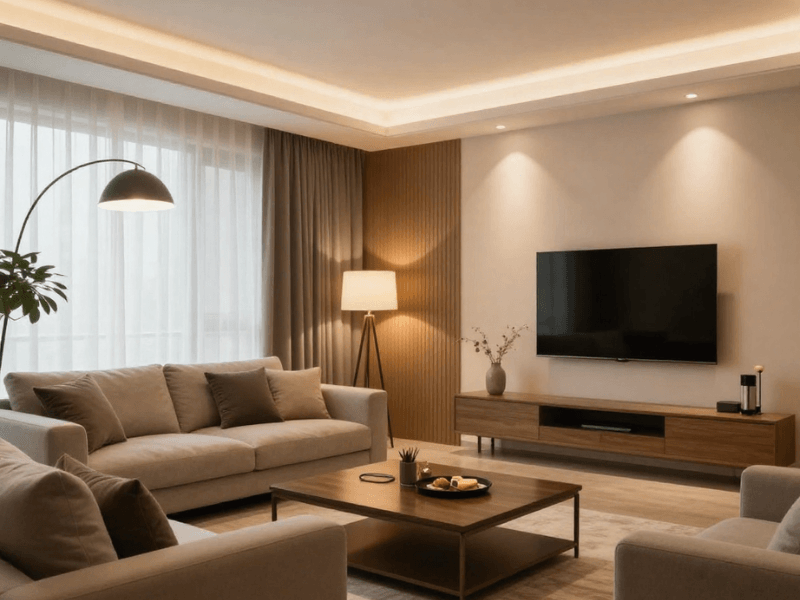
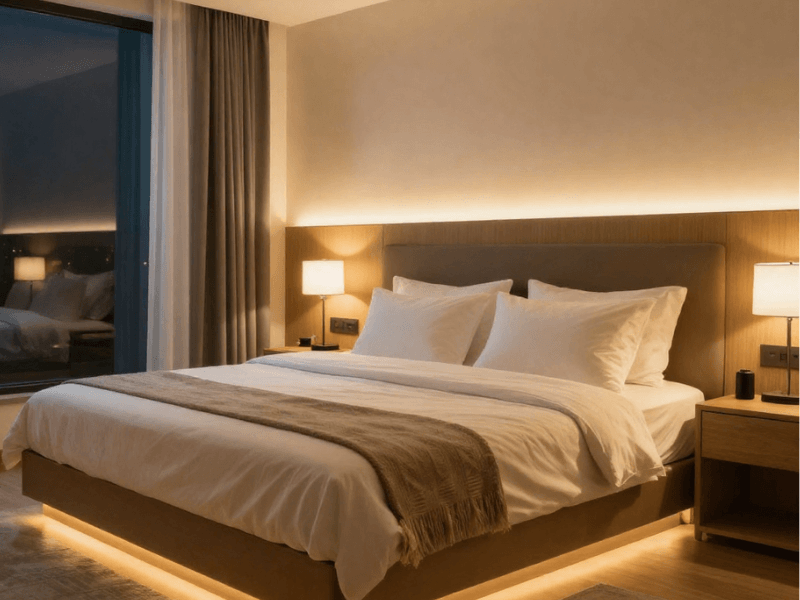
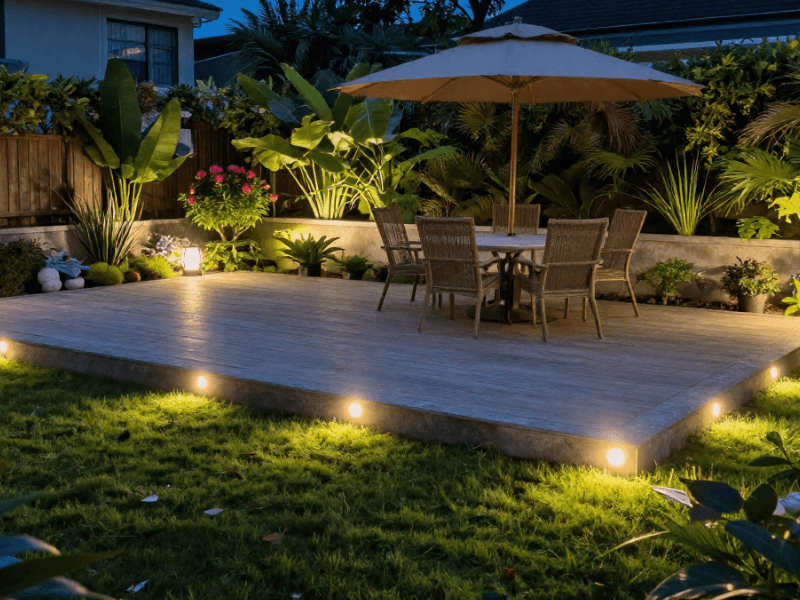
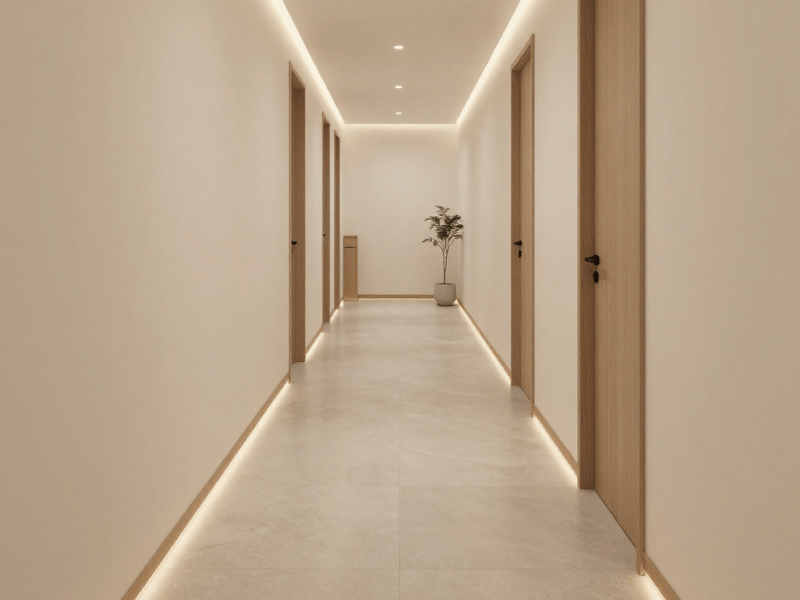

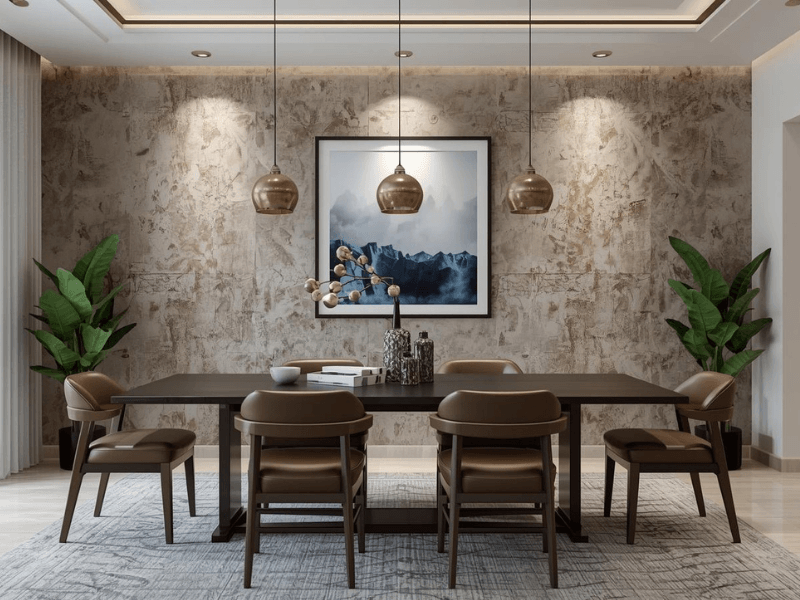
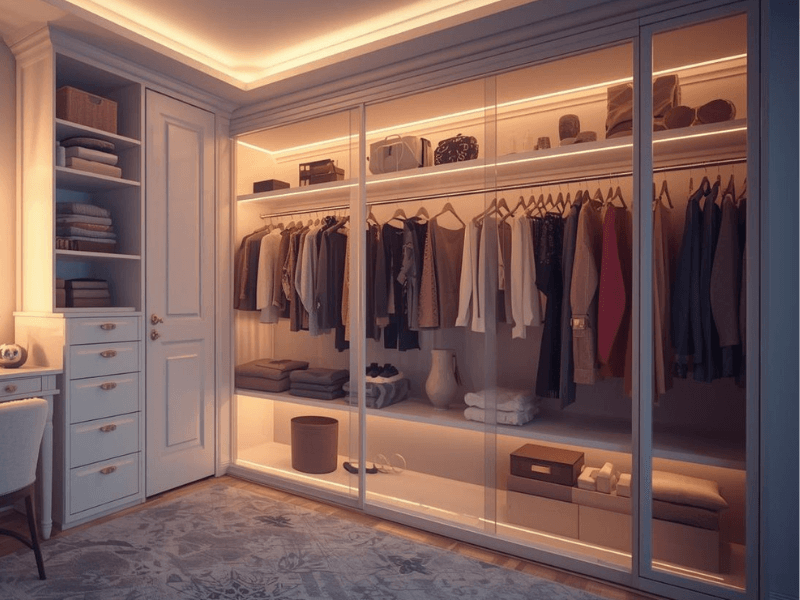
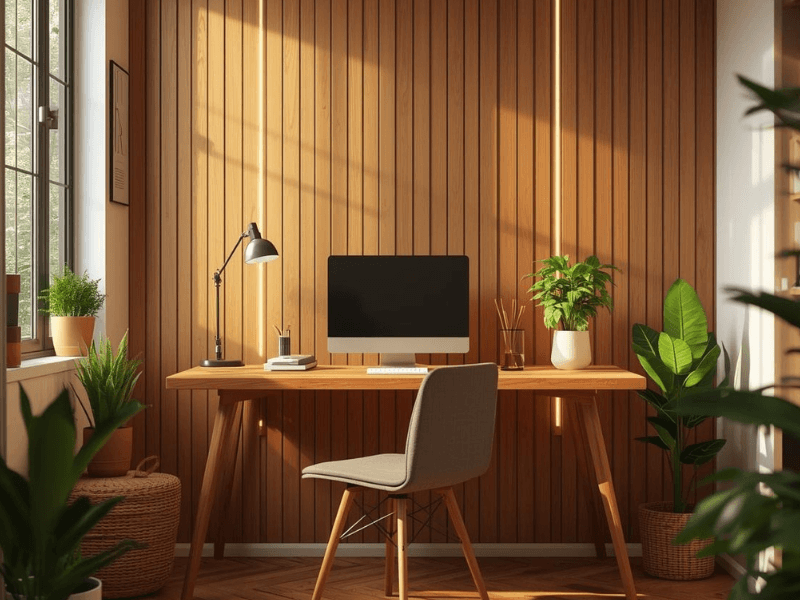
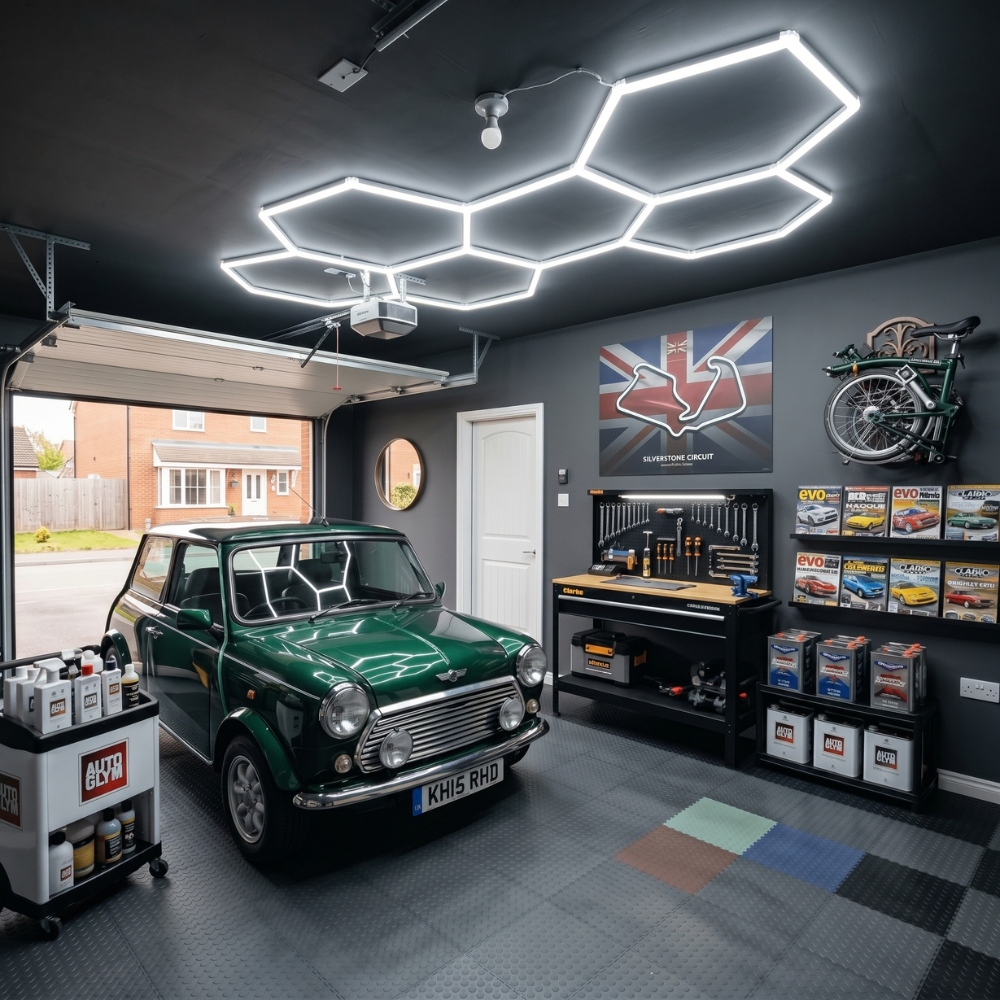

When people imagine smart lighting, they often think of colourful RGB lights in living rooms or tiny voice-activated lamps. This isn’t wrong, but they’re not really everything smart lighting is.
One of the most powerful upgrades you can give your home’s lighting is smart LED downlights. They shape the room's mood, improve energy efficiency, and make everyday routines feel a little more effortless.
To choose the right type, it helps to understand how smart downlights work and the key difference between GU10 and integrated options. Let’s explore how these two compare so that you can make a confident choice for your home.
What Makes a Downlight “Smart”?
Simply put, a smart downlight has all the properties of a standard LED downlight… plus more. In other words, they’re a better version of a standard downlight. They:
- Can do more than switch on and off.
- Listen to commands and follow schedules.
- Adapt to your mood.
- Connects with the rest of your smart home devices.
Instead of relying on a wall switch alone, you adjust brightness, colour, and timing through dedicated apps or voice assistants for that “futuristic” control.
How Smart Features Help Day-to-Day Life
Smart downlights bring three significant benefits:
Energy efficiency
You can dim lights to reduce power, fine-tune colour temperature for different tasks, or schedule lights to shut off automatically. Over winter, when lights stay on longer, these minor improvements help reduce electricity use.
Convenience
Switch lights on before you arrive home (via geofencing), adjust brightness from the sofa (using a remote, your smartphone, or voice), or let them turn off automatically at night.
No more scrambling for switches with full hands or having to deal with a dimmer switch, especially if you have a dimmable downlight.
Ambience
Tunable white and RGB colour control let you shift a room from “fresh and focused” to “soft and cosy”. A hallway can feel brighter on dark mornings, while a living room can settle into warm tones at night.
Smart Home Compatibility
Most smart downlights connect through Wi-Fi, Bluetooth, Zigbee or proprietary hubs. This allows them to work with smartphone apps and voice assistants such as Alexa, Google Home, or Apple HomeKit.
But not all smart downlights can connect to all. Compatibility is the key. Check with the manufacturer or the box for labels of compatible connections.
Core Smart Functions Explained
What features can you expect from smart downlights that you can’t get from regular downlights? Here are the common ones:
Dimming: Control brightness from subtle evening glow to full daytime clarity.
Tunable white: Adjust the colour temperature between warm (yellowish) and cool (whiter) tones. Useful for kitchens, bathrooms and winter mornings when cool light feels energising.
RGB or RGBW colour change: Access millions of colours to set the mood. RGBW adds a dedicated white LED for brighter, more accurate whites.
Scheduling: Automate your lighting. For example:
- Turn the lights on at sunset in winter.
- Create a bedtime routine where lights gradually dim as the night gets deeper.
- Set hallway lights to switch on before you arrive home.
Motion sensors: Great for entrances, bathrooms and hallways. Lights activate only when needed, saving energy.
These functions help your lighting blend seamlessly into daily life without fuss.

Understanding GU10 LED Downlights
A GU10 downlight uses a standard replaceable bulb with two short twist-and-lock pins (a GU10 bulb, of course). It’s one of the most common fittings in UK homes and a popular choice for people who like flexibility.
But still, why are GU10 lights popular?
Well, there are three main benefits people value.
1. Flexibility: Changing to a higher lumens or a different colour temperature is as easy as just swapping the GU10 lamp. It’s a future-proof setup.
2. Easy replacement: You don’t need a specialist. Most homeowners can replace a GU10 bulb in seconds.
3. DIY friendly: Installing GU10 downlights is simpler, and replacement bulbs don’t require an electrician.
GU10 downlights are ideal for various rooms in the house, such as the kitchen, living room, bedroom, and home office.
How GU10 Works with Smart Features
Smart GU10 bulbs offer helpful features such as dimming, colour change, scheduling, and more. Something that traditional GU10 bulbs can’t provide. Installing or replacing the bulbs is as easy as pushing and twisting into a standard GU10 fitting.
Depending on the model, smart GU10s may connect via Wi-Fi, Bluetooth, Zigbee, or other hubs, or via brand-specific apps. They can be controlled individually or grouped in rooms (for example, all kitchen GU10s working in sync).
Compatibility with dimmers:
Smart bulbs typically don’t work with traditional/wired dimmer switches, but usually through their app or voice assistants like Alexa and Google Home. Connecting them to conventional dimmers may cause flickering or failure of either the bulb or the switch—something you don’t want.
Pros and Cons of GU10
Pros:
- Bulbs are replaceable, so upgrading is simple
- Budget-friendly initial cost
- Easy DIY installation
- Flexible brightness and colour options depending on the bulb chosen
- Long-term future-proofing if you like to change lighting styles
Cons:
- Some smart GU10 bulbs may not reach the same brightness as integrated fixtures
- Smart features depend on bulb quality
Multiple bulbs mean multiple connection points, which may affect network stability in large setups

Understanding Integrated LED Downlights
Integrated LED downlights have the LED module built directly into the fixture, meaning the light source is not a separate bulb, unlike the GU10 variation.
Slim, modern design: Without a bulky bulb inside, integrated downlights deliver a sleek profile ideal for minimalist interiors or those with low headroom.
Longer lifespan: The LED module is engineered for longevity, often 25,000 to 50,000 hours or more.
Higher energy efficiency: Integrated fixtures typically outperform GU10 bulbs on a lumens per-watt basis, delivering brighter output with lower energy use.
Integrated downlights are ideal for:
- Living rooms and lounges, where smooth, even lighting enhances comfort
- Modern kitchens, especially where slim recessed profiles matter
- Hallways, to create seamless and contemporary lighting lines
- Bathrooms, when using IP-rated and fire rated downlights
How Integrated Downlights Work with Smart Systems
Instead of relying on a smart bulb, integrated smart downlights have their “intelligence” built directly into the fixture. This creates smoother performance and often more advanced features.
Common smart functions you can enjoy:
- Built-in dimming
- Tunable white technology
- Full RGB or RGBW colour control
- App control or remote control
- Voice assistant compatibility
- Grouping and scene creation
Because the smart hardware is designed from the ground up, integrated models often feel more responsive, consistent, and brighter than their GU10 equivalents.
Pros and Cons of Integrated LEDs
Pros:
- Sleek appearance with a premium finish
- Longer lifespan and fewer parts to replace
- More efficient and uniform light distribution
- Often brighter and more consistent
- Smart features are built in, reducing setup complexity
Cons:
- If the LED fails, the entire fitting may need replacing
- Higher initial cost than GU10 bulbs
- Requires more planning if installing many fixtures at once
Key Differences Between GU10 and Integrated Smart Downlights
Here’s a simple comparison to help you see the differences at a glance. Ideally, this should also help you make your decision easier.

Which Type Should You Choose?
The right choice depends on your home, habits, and long-term plan. Let’s break them down.
Choose GU10 if:
- You like the option to upgrade bulbs later.
- You want a cost-effective way to add smart features.
- You enjoy DIY installation.
- You prefer flexibility in brightness and beam angle.
- You’re lighting a space where tastes or needs change (for example, kitchens and living rooms)
Example scenario:
If your kitchen lighting feels too dim in winter, you can replace the GU10 smart bulbs with brighter ones without changing the ceiling fittings.
Choose Integrated if:
- You prefer a sleek, modern ceiling appearance.
- You want the highest efficiency and brightness.
- You’re renovating or building a new space.
- You want consistent, uniform light.
- You want smart tech that’s already built in, not dependent on individual bulbs.
Example scenario:
For a hallway that needs clear, bright lighting and a neat finish, integrated smart downlights offer a cleaner look and smoother performance.
Installation and Maintenance Tips for Smart Downlights
Whichever one you choose between GU10 and integrated smart downlights, we’ve got a few guidelines to help ensure safe and reliable performance.
DIY vs Professional Installation
- GU10 downlights are typically DIY friendly, but ensure the power is off before installation and that the fittings are compatible with the lamp holder. GU10 lamps need GU10 lamp holders!
- Integrated LEDs may require a certified electrician, especially when adding multiple units or upgrading wiring. Getting professional help ensures compliance with safety standards.
Consider Smart Hubs and Wi-Fi Range
Smart downlights rely on strong connectivity. Before installation:
- Check if the Wi-Fi reaches all areas where lights will be installed.
- If using Zigbee or hub-based smart bulbs, place the hub at the centre whenever possible.
- Avoid overcrowding Wi-Fi with dozens of individual smart bulbs if you have an older router.
Dimmers and Switches
Most smart lights need simple on/off switches, not rotary dimmers. Dimming and other functions can be controlled through the app or voice assistants.
If you have an existing dimmer circuit, consider replacing it or using a compatible model recommended by the manufacturer.
Maintaining Performance in Winter
Since we’re writing this during the winter season, that should be a consideration when choosing our lights. Winter affects lighting more than people think:
- Longer nights mean increased usage, so choose energy-efficient settings.
- Smart schedules help maintain brightness during gloomy afternoons.
- Keep the firmware up to date to avoid connectivity issues. Your smart lights rely on it, after all.

Choosing the Right Smart LED Downlight for Your Home
If you’re still not using smart LED downlights, your home is missing out on a blend of convenience, efficiency, and atmosphere. The choice between GU10 and integrated LED depends on how much flexibility, brightness, and style you want.
- GU10 downlights offer easy upgrades, budget-friendly installation and plenty of control through smart bulbs.
- Integrated downlights provide a sleek look, a long lifespan, and high efficiency, with smart features built directly into the fixture.
Understanding how these two work and their differences (pros and cons) can help you create lighting that adapts beautifully to everyday life, especially during darker seasons.
So, if you’re looking to create a bright, adaptable, and future-ready home lighting solution, check out Simple Lighting’s website for a wide range of GU10 and integrated downlights.
Smart Lighting Ideas for 2026 and How to Upgrade Your Home gives you more smart lighting insights, so definitely check it out.


0 comments